Notta AI is a powerful tool that offers efficient transcription and translation services. Whether you need to transcribe audio or video files, create summaries, or translate content, Notta can streamline the process. Here’s how to use it effectively and some best practices:
Getting Started with Notta AI:
Sign Up:
- Visit the Notta website and sign up for an account.
- You can also use the Notta mobile app available on iOS and Android.
When you first sign up, you’ll be prompted for the following:
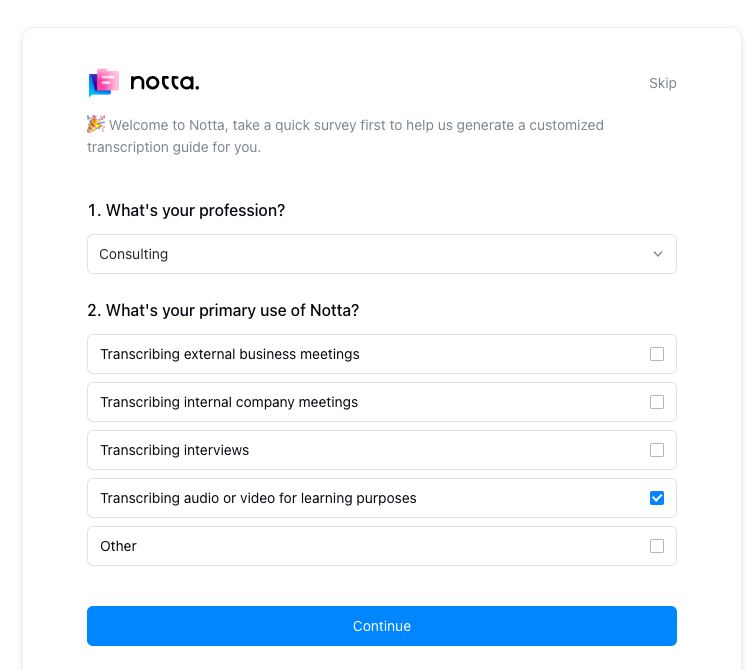
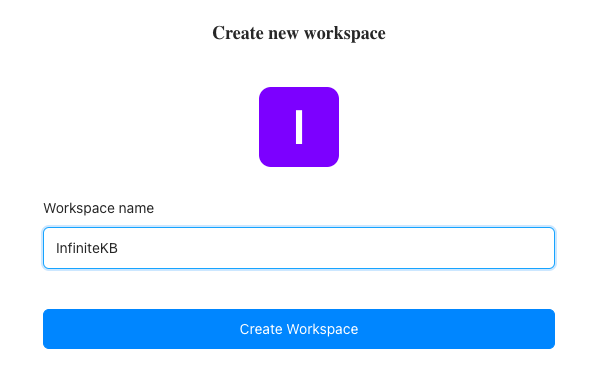
Name your workspace.
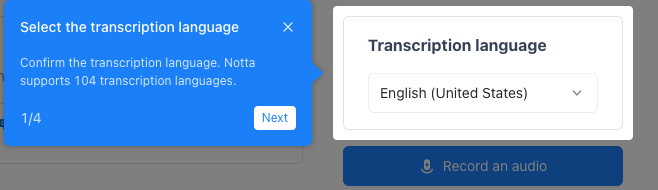
Select your transcription language.
Then choose your transcription method.
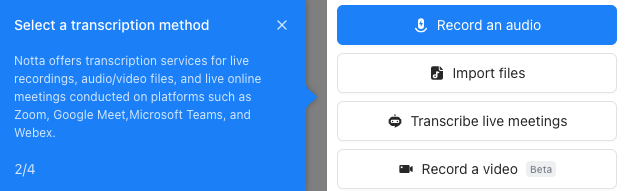
Click live meeting and cut/paste the URL
If you’re using Zoom, click Meetings.
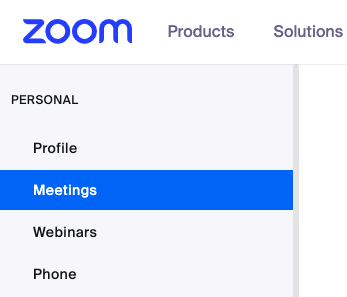
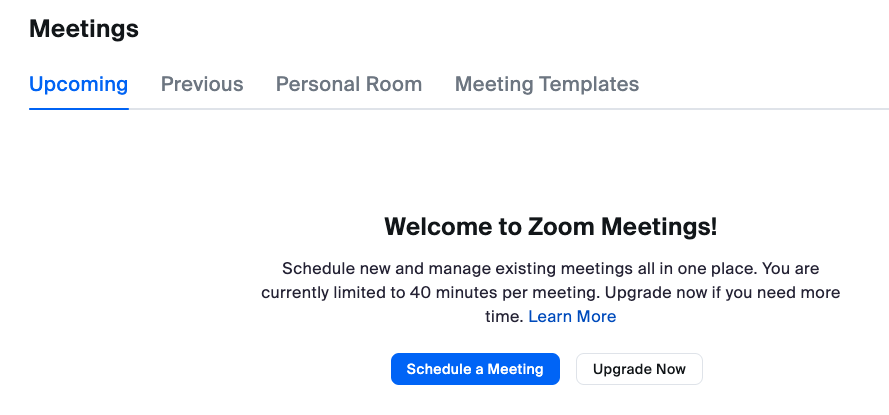
Then click the blue Schedule a Meeting button.
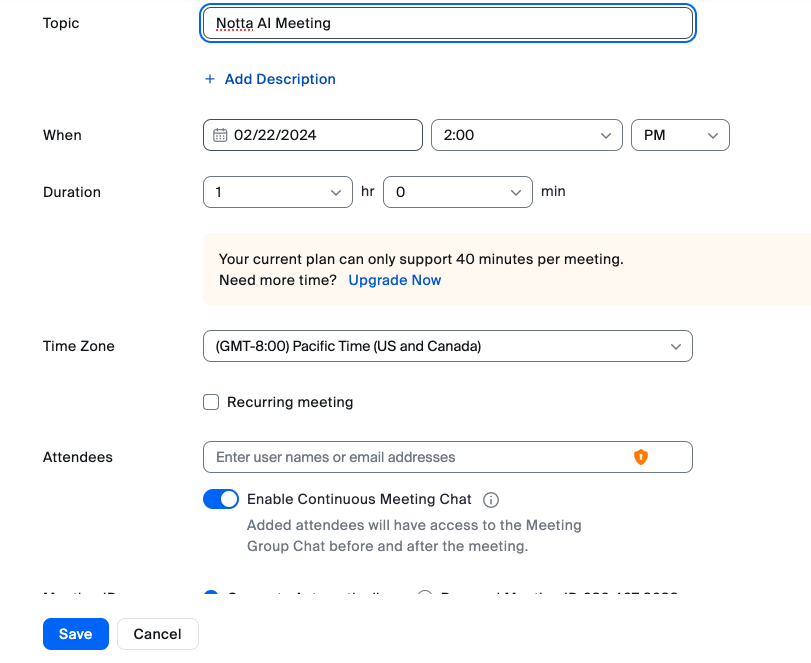
Name your meeting, set the time, and click Save.
Click Copy the link

If you check online meeting video recording, that costs money. You’ll be shown the pricing as follows:
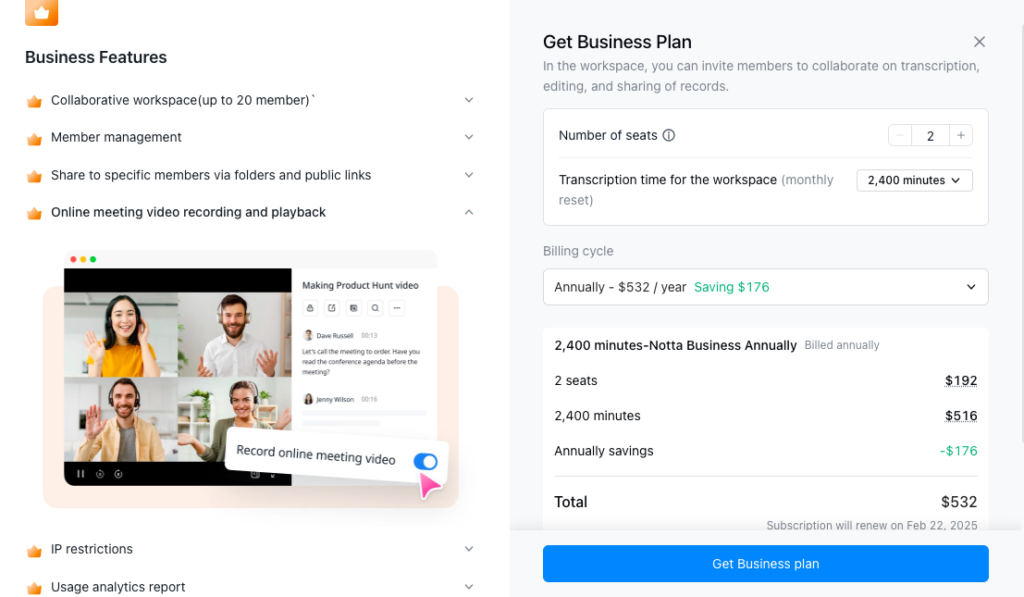
Notta has a recorded tutoria here:
https://app.notta.ai/7166535564399329280/dashboard/7b212871670b42bead12217426922411#detail
Choose Your Language:
- Set your preferred language for transcription and translation.
Upload Audio or Video Files:
- Import your audio or video files into Notta.
- Notta will automatically start generating the transcript.
Best Practices for Effective Use:
- Improve Transcription Accuracy:
- Record conversations in a quiet environment to reduce background noise.
- Use a high-quality external microphone or headset for better audio quality.
- Speak clearly to help Notta detect your words accurately.
- Leverage AI Summaries:
- Notta offers an AI summary feature. Use it to quickly summarize lengthy content.
- This is especially useful for extracting key points from meetings, lectures, or podcasts.
- Translate Content:
- If you have a global audience, use Notta’s translation feature.
- Translate transcripts into different languages to cater to diverse viewers.
- Use Notta for Education:
- Students can read lecture transcripts in their own language.
- Teachers can share class recordings with students in various languages.
- Explore AI Templates:
- Notta now offers enhanced editing capabilities with AI templates.
- Learn how to use these templates effectively for your specific needs.
Remember, Notta AI simplifies transcription, translation, and summarization. Experiment with different features and make the most of this powerful tool! 🎙️📝
For more detailed information, you can explore the Notta Help Center and Notta AI Summary Guide. 🚀✨