https://docs.gimp.org/en/gimp-tutorial-quickie-crop.html
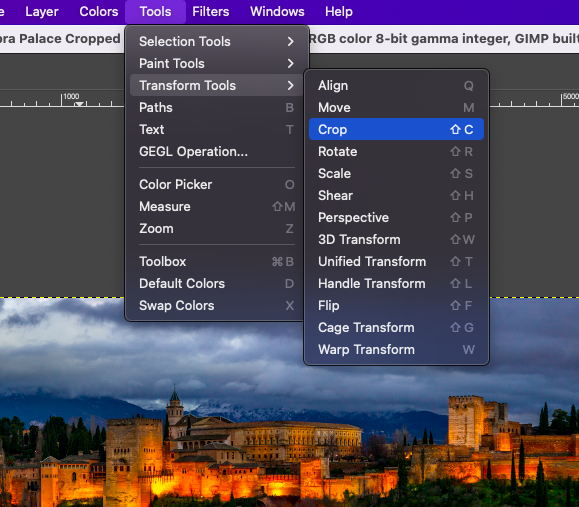
There are many reasons to crop an image; for example, fitting an image to fill a frame, removing a portion of the background to emphasize the subject, etc. There are two methods to activate the crop tool. Click the button in the Toolbox, or use Tools → Transform Tools → Crop in the image window. This changes the cursor and allow you to click and drag a rectangular shape. The button in the toolbox is the easiest way to get to any of the tools.