RB2B https://www.rb2b.com
RB2B Academy https://academy.rb2b.com
*** Note: this application is for customers in the United States only
RB2B is a sales and marketing tool designed to identify high-intent U.S. prospects visiting a website. It uses a proprietary publisher network and sophisticated algorithms to recognize potential clients by analyzing their digital footprints, even without direct interaction. This allows businesses to send targeted messages and engage with potential buyers more effectively, improving conversion rates and shortening sales cycles. RB2B integrates with platforms like Slack and Salesforce, offering a strategic advantage in lead nurturing and sales.
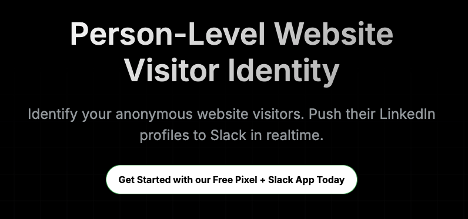
RB2B pushes full LinkedIn profiles to Slack in Real-Time as soon as you drop their pixel on your website. To add the WordPress script, follow the instructions here.
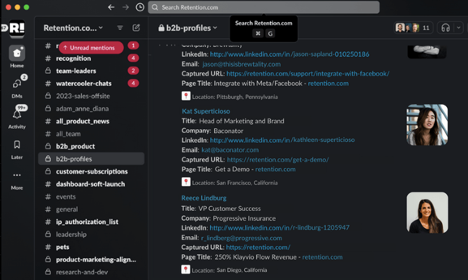
Once you start seeing website visitors in Slack, you can click on their profiles to connect to them on LinkedIn, or see their fully enriched profiles on RB2B. Click More Details

Their profile opens up on RB2B. You have a link to their LinkedIn profile, and email. For their direct phone extension and potentially cell phone, you’ll need Clay. We’ll get to that later, but after or during this exercise, get an account set up. You’ll need to integrate RB2B with it later. https://www.clay.com/

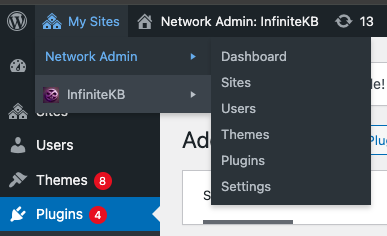
To install the plugin using WordPress, go to Network Admin > Plugins
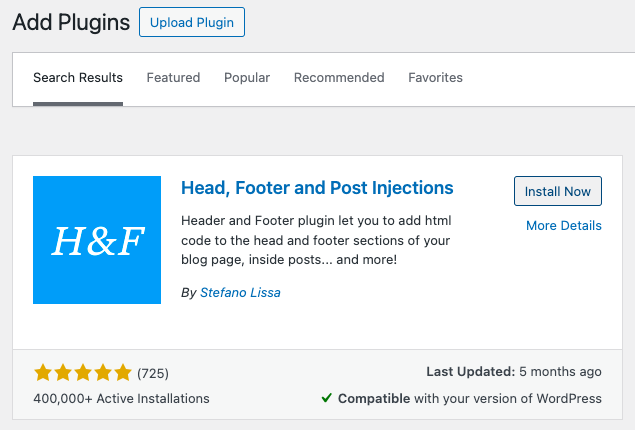
Search for the plugin by keyword: header footer stefano lissa

Click the install now button
Click the Activate button
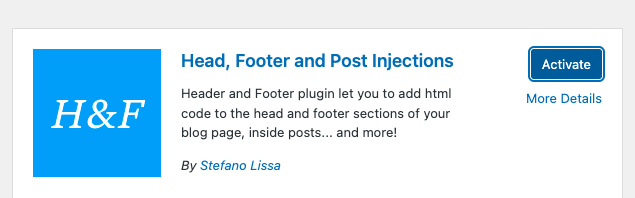
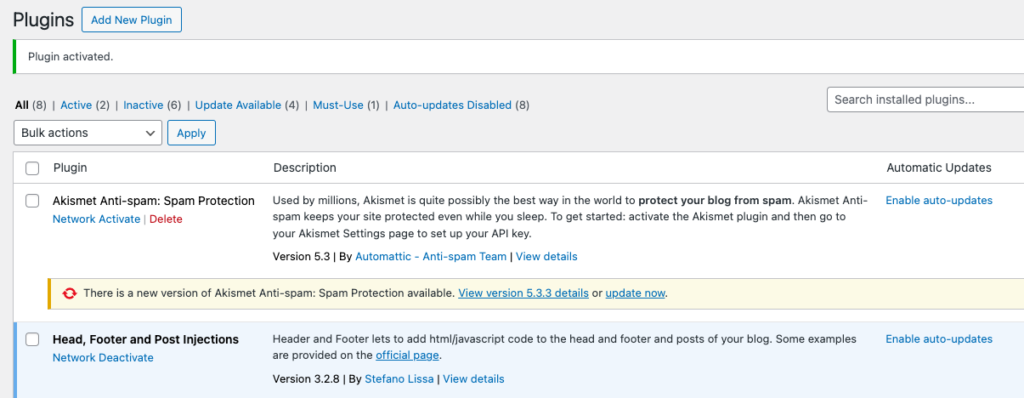
You’ll now see the confirmation message that it’s been activated
Now you’ll need to set up an RB2B account if you haven’t already
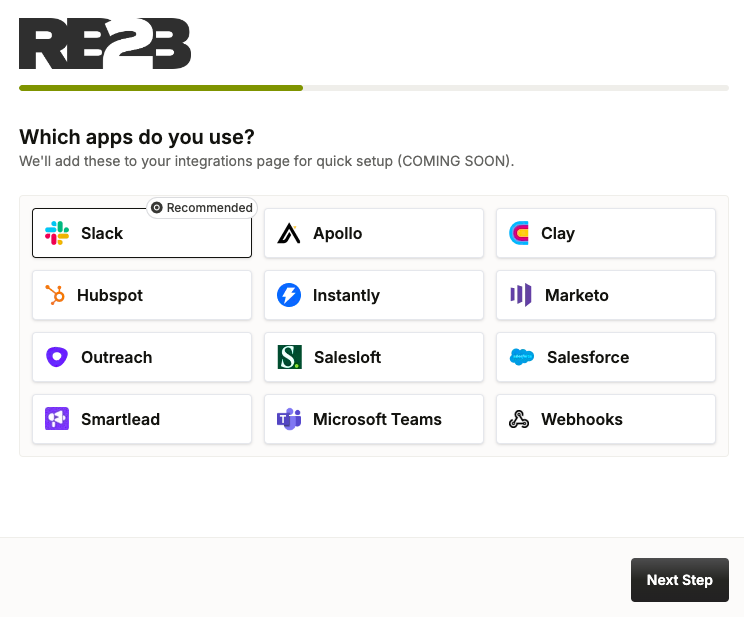
Choose the integrations you wish to set up. We use Slack, Apollo, Clay, Instantly, and Hubspot
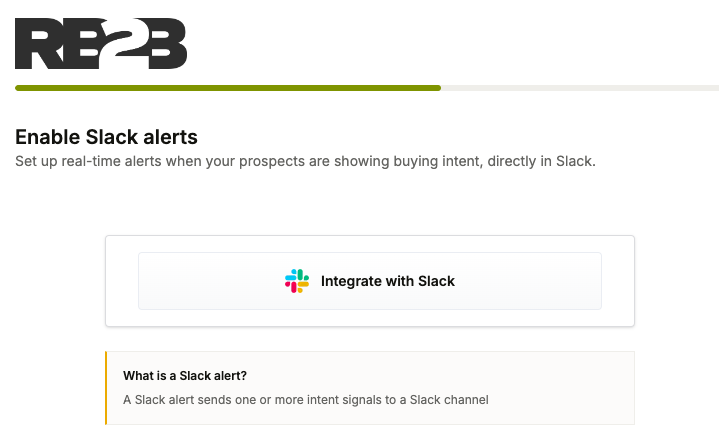
Integrate RB2B with Slack. Make sure you’re logged into Slack first.
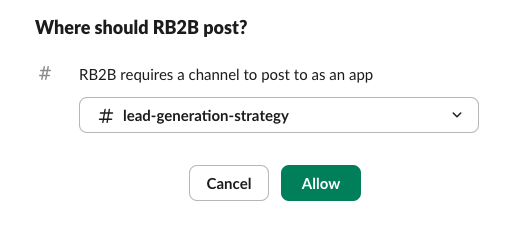
Select the Slack channel you wish to integrate with.
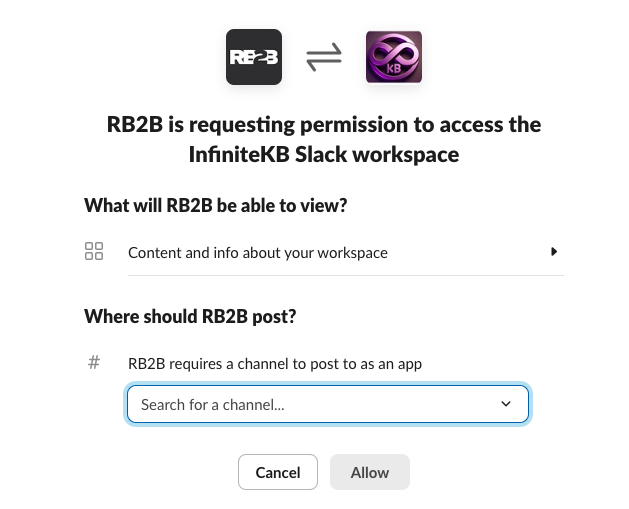
Select the channel from the dropdown menu, and click Allow
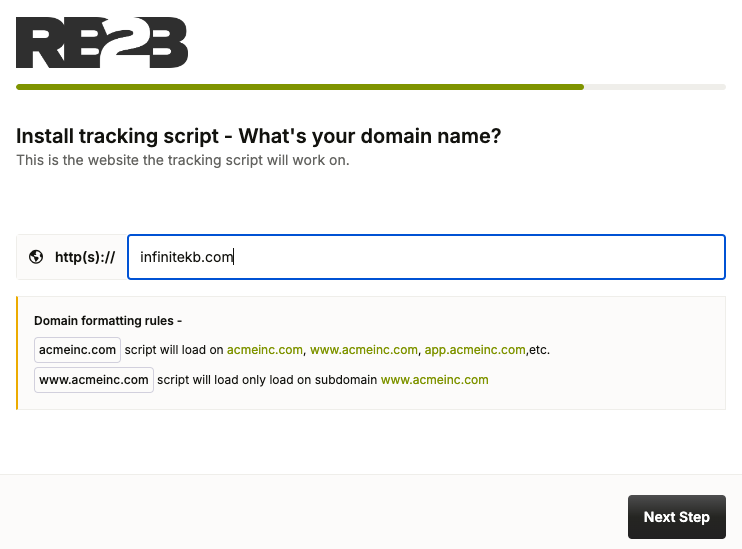
You’ll now be prompted by RB2B to install the tracking script
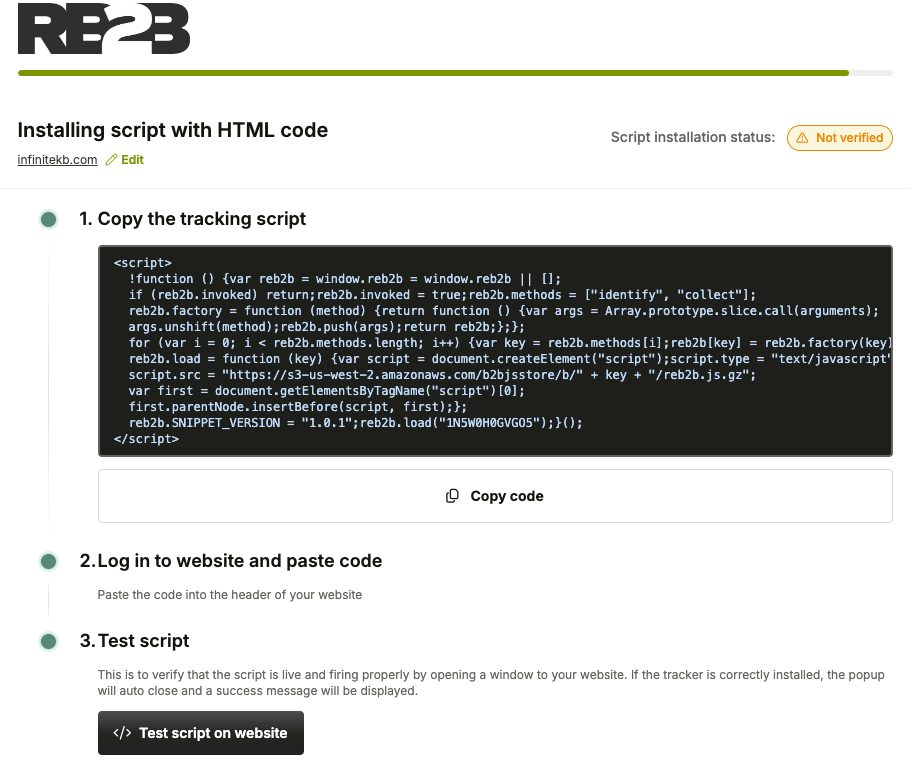
Choose WordPress, Copy the script, and then follow these instructions to use the Header, Footer plugin:
https://support.rb2b.com/en/articles/8795669-how-to-add-rb2b-s-script-to-wordpress-via-a-plugin
Paste the code into the ON EVERY PAGE section. Make sure to click save.
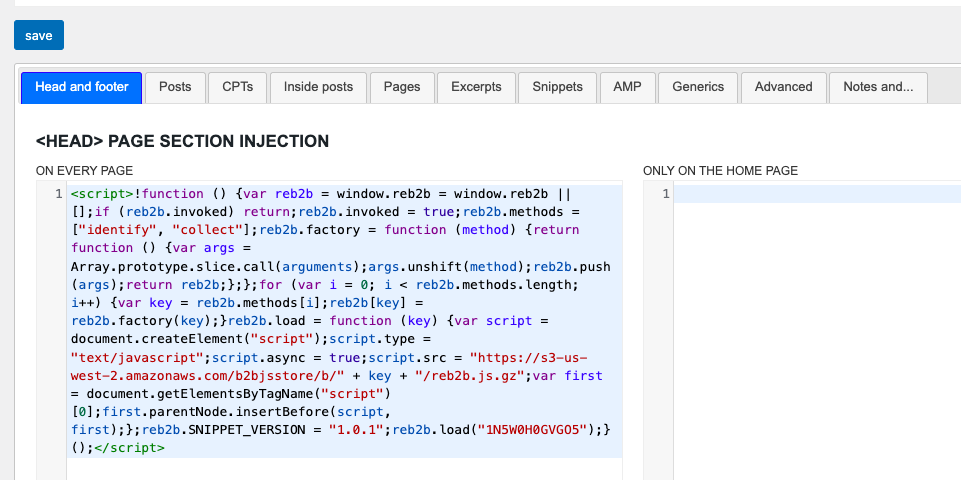
Scroll all the way to the bottom and click save again.
Now go back and to the setup script browser tab
https://app.rb2b.com/signup/setup_script_html
Click the Test script on website
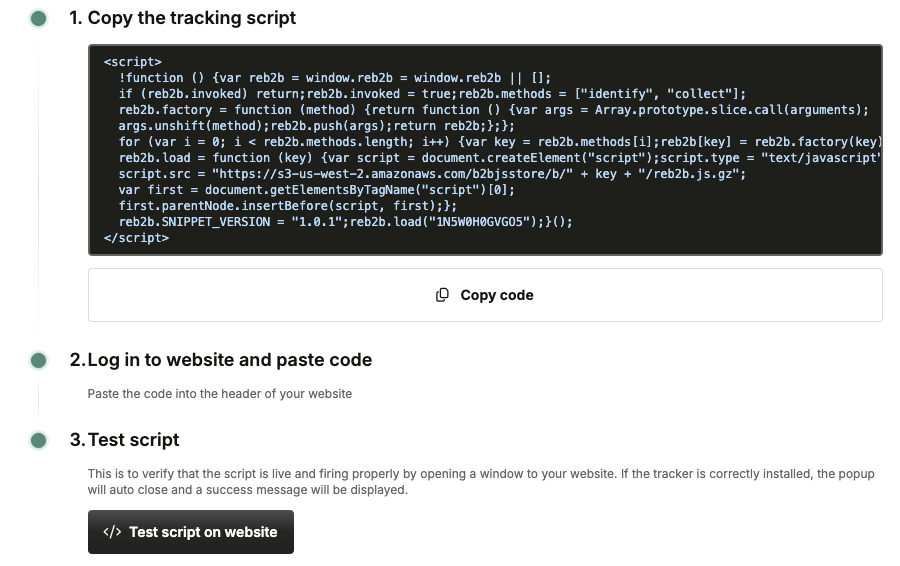
You’ll receive confirmation in the upper right

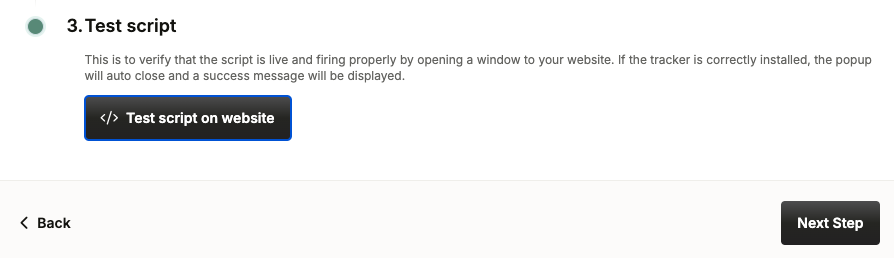
Click next step
You’re done! Click Go to your dashboard
Now update your privacy policy, and acknowledge that you’ve done so.
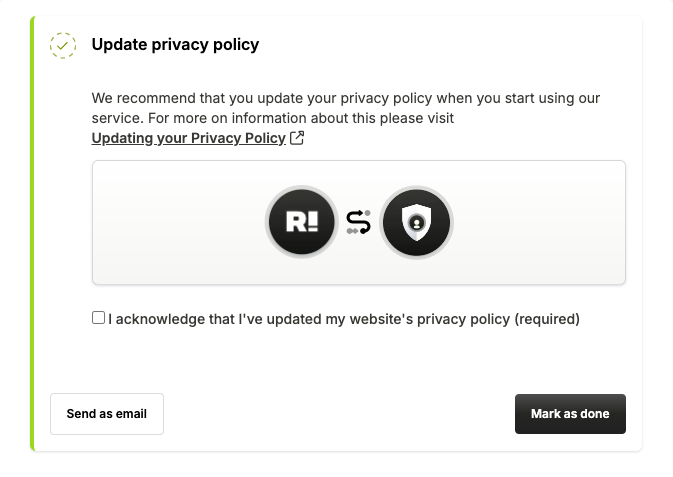
In order to not load the RB2B tracking cookie, it’s a good idea to use the CookieYes Consent WordPress plugin.
https://support.rb2b.com/en/articles/9375019-using-cookieyes-cookie-consent-with-rb2b
To check out CookieYes, go to https://www.cookieyes.com/product/wordpress-plugin
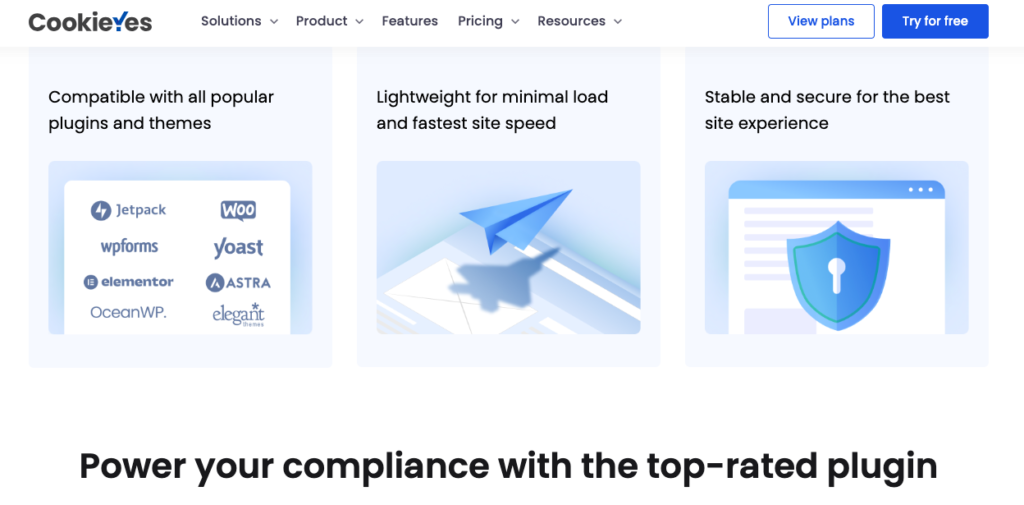
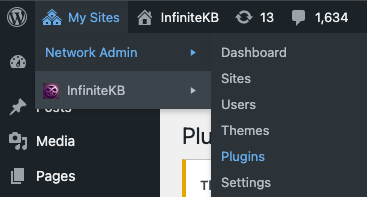
Let’s install the CookieYes plugin. Go back to My Sites > Network Admin > Plugins in WordPress
Click add new plugin
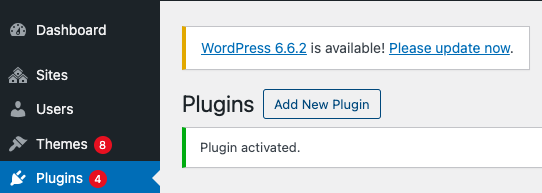
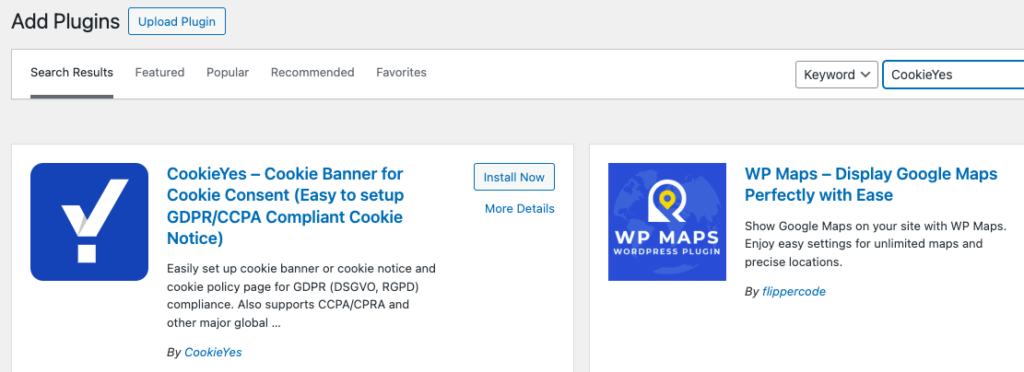
Search Keyword CookieYes, and click Install Now, then click Activate
Ask a legal expert for advice, or use ChatGPT to generate the privacy notice.
RB2B recommends adding the verbiage found here:https://support.rb2b.com/en/articles/8795972-updating-your-privacy-policy
I used this prompt in ChatGPT versus paying for a lawyer, but to avoid fines it’s always best to consult a privacy attorney.
ChatGPT Prompt:
I am the webmaster for a technology consulting company based in California. Please generate the verbiage for our website privacy policy that also incorporates the following language: When you visit or log in to our website, cookies and similar technologies may be used by our online data partners or vendors to associate these activities with other personal information they or others have about you, including by association with your email or home address. We (or service providers on our behalf) may then send communications and marketing to these email or home addresses. You may opt out of receiving this advertising by visiting https://app.retention.com/optout
ChatGPT returned the following: Sure! Here’s a suggested privacy policy verbiage for your website:
Privacy Policy
At [Your Company Name], we are committed to protecting your privacy and ensuring that your personal information is handled in a safe and responsible manner. This Privacy Policy outlines our practices regarding the collection, use, and disclosure of your information when you visit or log in to our website.
Information We Collect
When you interact with our website, we may collect information that can identify you, including but not limited to your name, email address, and other contact information. We may also collect non-personal information about your interactions with our site.
Use of Cookies and Similar Technologies
When you visit or log in to our website, cookies and similar technologies may be used by our online data partners or vendors. These technologies can associate your online activities with other personal information they or others have about you, including associations with your email or home address.
We, or service providers acting on our behalf, may use this information to send communications and marketing materials to your email or home address.
Opt-Out Information
If you prefer not to receive these advertising communications, you can opt out at any time by visiting https://app.retention.com/optout.
Your Rights
You have the right to access, correct, or delete your personal information. If you have any questions about our privacy practices or wish to exercise your rights, please contact us at [Your Contact Information].
Changes to This Policy
We may update this Privacy Policy from time to time. We will notify you of any changes by posting the new Privacy Policy on this page. We encourage you to review this policy periodically for any updates.
Contact Us
If you have any questions or concerns regarding this Privacy Policy, please contact us at:
[Your Company Name]
[Your Address]
[Your Email Address]
[Your Phone Number]
Thank you for trusting [Your Company Name] with your personal information.
Update Your Privacy Page
Now find your privacy page by going to pages
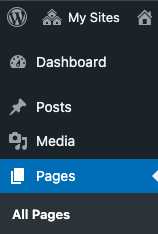
Search for your privacy page in the upper right

Cut and paste the ChatGPT verbiage above into the page and click update.
Update the link to your privacy page in the footer by going to Settings > Head and Footer
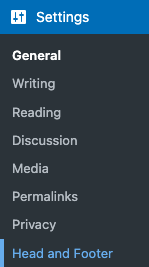
This brings up the Header Footer
https://www.satollo.net/plugins/header-footer
Paste the RB2B script into the <HEAD> PAGE SECTION
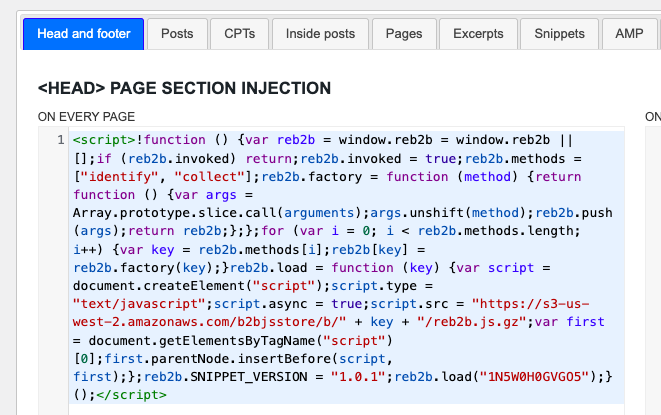
Follow the instructions outlined here on Kinsta’s post for the footer: https://kinsta.com/knowledgebase/add-code-wordpress-header-footer/
Now you can also do your footer with a link to the privacy page you just created:
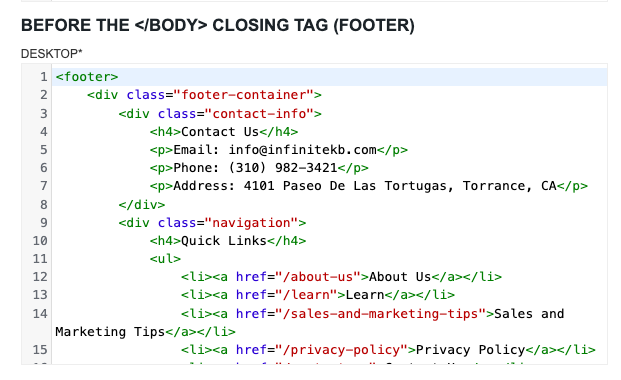
Or if you don’t use Satollo’s Header Footer plugin, you can navigate to appearance > editor.
https://wordpress.com/support/edit-the-footer/
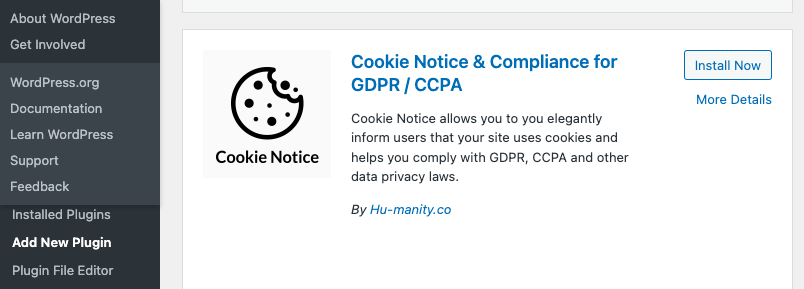
Install and Activate the Cookie Notice & Compliance Plugin
Now let’s install and activate the “Cookie Notice & Compliance for GDPR / CCPA” plugin from the WordPress plugin repository.
Click Install Now then Activate.
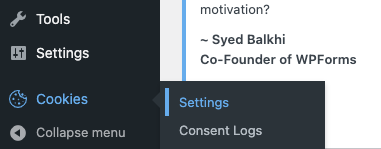
Now go to the Cookies menu item in your WordPress dashboard, then Settings.
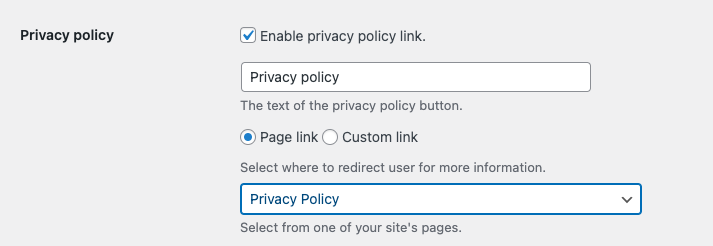
Scroll down and check the box to Enable privacy policy link. Select the Privacy Policy page to redirect the user for more information.
If you want a full tutorial, WPBeginner has a great page to check out:
https://www.wpbeginner.com/plugins/add-cookies-popup-wordpress/
Now set up your integrations, and you’ll be good to go!
https://app.rb2b.com/integrations
For Apollo.IO:
https://support.rb2b.com/en/articles/9061641-setup-guide-apollo-io
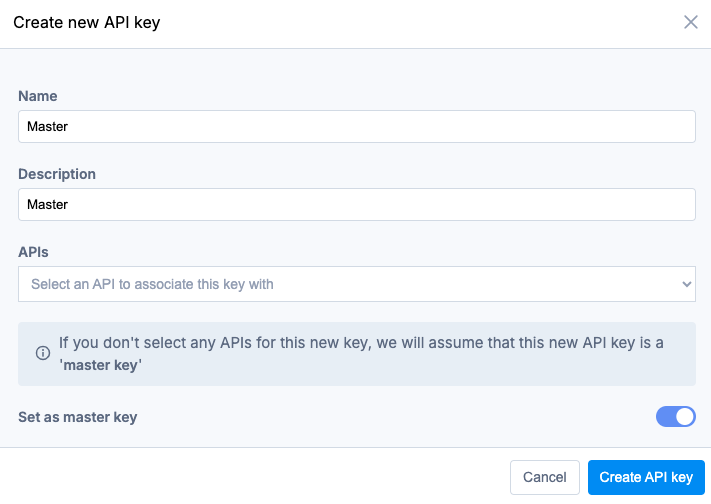
In Apollo, If it’s your first Master Key, when you slide the slider to the right for Master Key, you won’t need to select any of the API Keys. Click Create API Key.
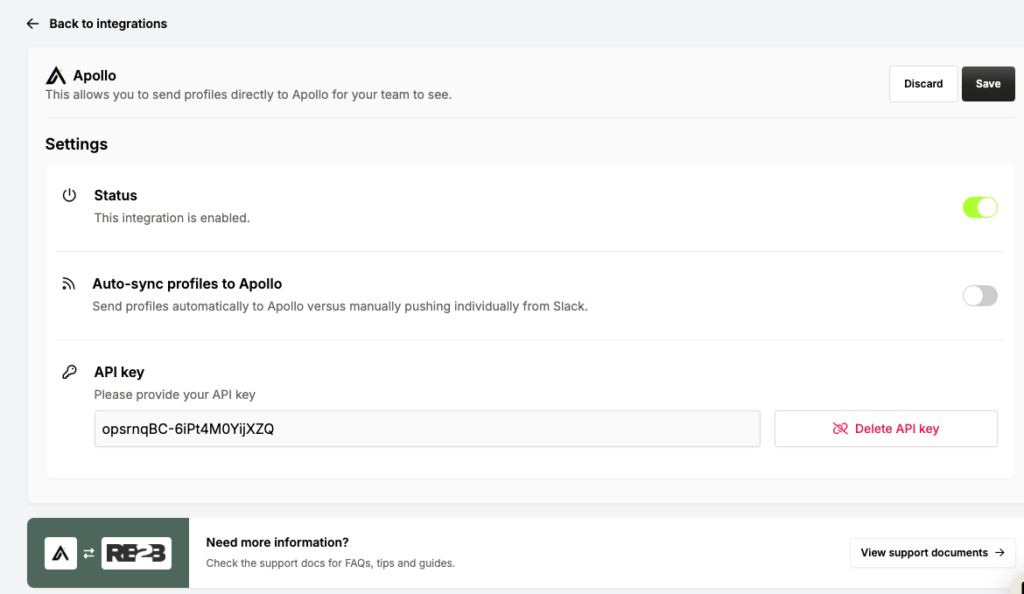
In RB2B, don’t Auto-sync to Apollo, select them manually from Slack to push to Apollo. Not all website visitors will fit your ideal customer profile.
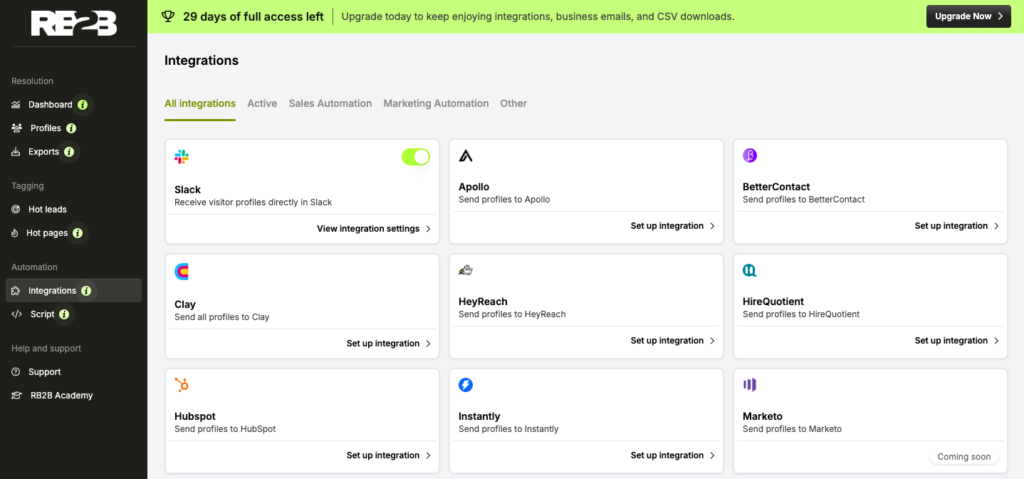
Here’s the integrations page. You’ll want to add Clay next. Head over to https://www.clay.com/ and set up an account. Join their Slack channel, also. 15,000 members and counting. https://clayhq.typeform.com/slack
Check out Clay University, also. https://clay.com/university
For the Apollo integration, if this is your first API key creation, select all the APIs, and name the new API key Master. Click Create API Key. Cut and paste your API key into RB2B
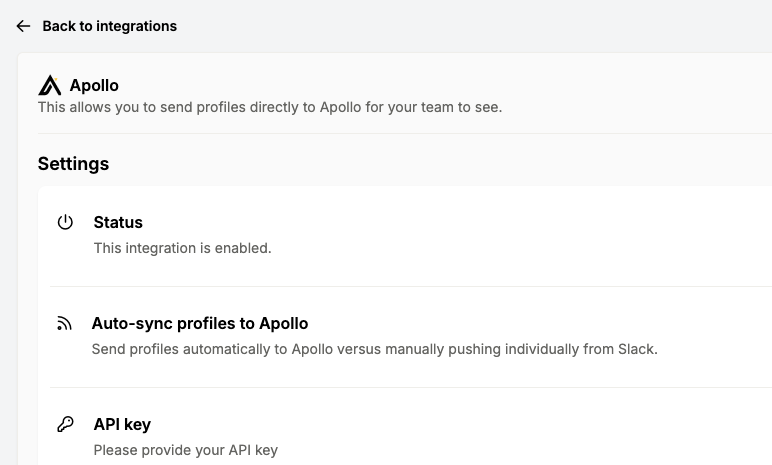
Go back to the main integrations page, and add any other integrations you need.