To use Apollo Search with one of the industries listed on this website here, you’ll need to get the company name and LinkedIn URL into a .csv file. If you need help with the process, fill out the Contact Us form, and we’d be happy to help.
Go to Search in Apollo (https://www.apollo.io/)
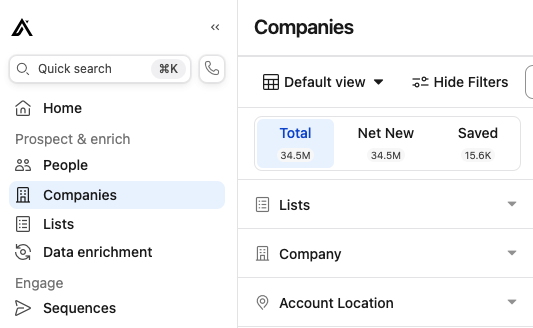
Click companies in the left navigation.
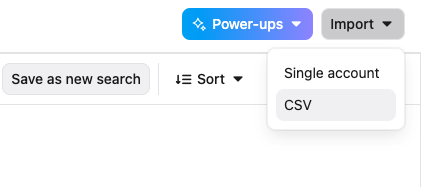
In the upper right, click Import > CSV
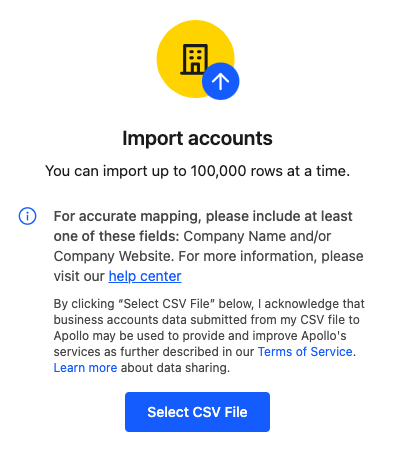
Click Import Accounts, and then browse to where you’ve saved your CSV file in your Documents folder or wherever you save contacts.
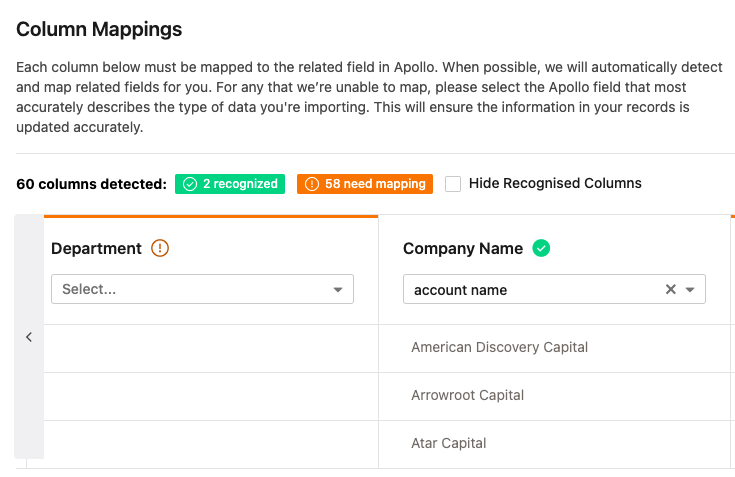
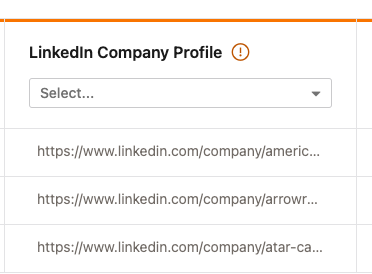
Map the columns. In this case, Apollo recognized that Company Name = account name in my CSV file.
Add these companies to a list, or Create new list if the list doesn’t exist yet.

You can add these companies to multiple new lists. In this case, we’ll also add these companies to a list called BFSI. BFSI is an acronym for Banking, Financial Services, and Insurance, and it refers to a broad industry that offers a variety of financial products and services.
The BFSI sector is crucial for managing money, investments, and assets, and it includes a wide range of institutions. Commercial banks, Insurance companies, Non-banking financial companies (NBFCs), Cooperatives, Pension funds, and Mutual funds.
BFSI companies provide financial services such as: core banking, retail, private, wealth, corporate, investment, cards, stock-broking, payment gateways, and wallets.
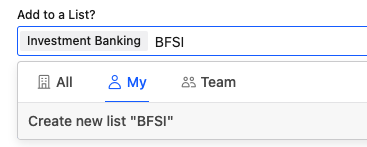
Think of lists in Apollo as tags, and you can also apply these “tags” in people search the same as you do with company search. With people search, you’d apply job titles or categories of persona to the lists so you can easily start campaigns through sequences.
Keep the checkboxes checked for enrichment, then click the Import button.
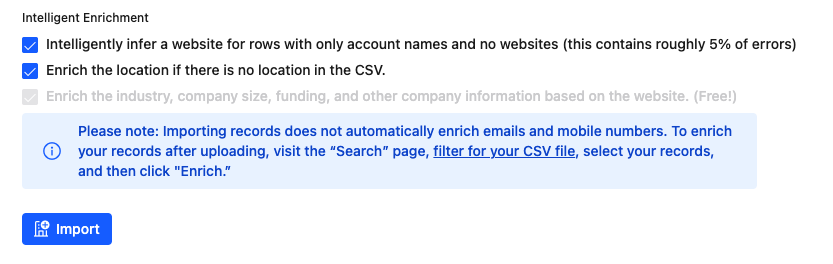
* Note that a LinkedIn URL or Website URL should be in a column of your CSV, otherwise Apollo will present companies with similar names outside your territory, which is not ideal. i.e. Apollo Distributing, LLC, Apollo Gym, Apollo Greek Restaurant, etc.
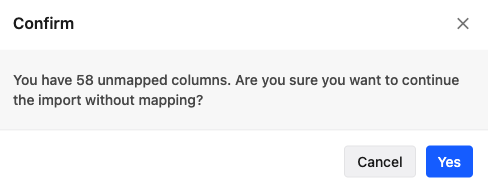
You’ll get a message warning that there are unmapped columns. This is fine, since you really want to start from scratch with a company search anyway. Click Yes.
Apollo found the majority of companies we were searching for in the Investment Management industry. Click Save as new search and title your search Investment Management LA.
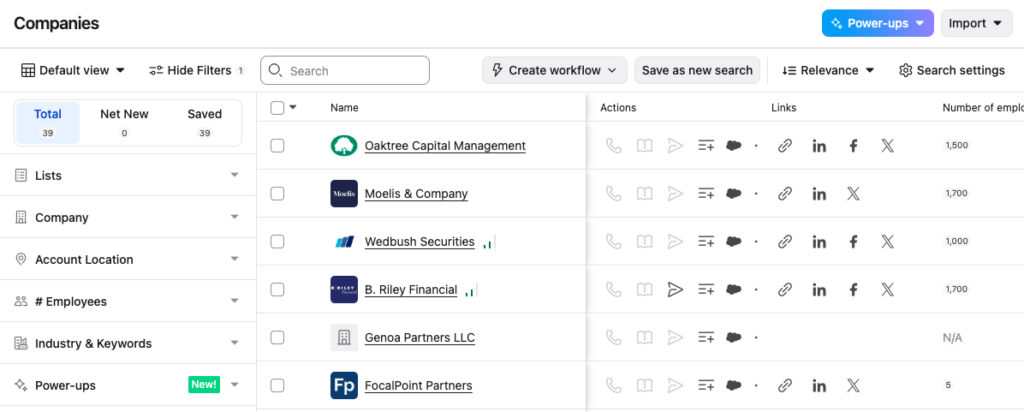
Select all the companies with this checkbox:
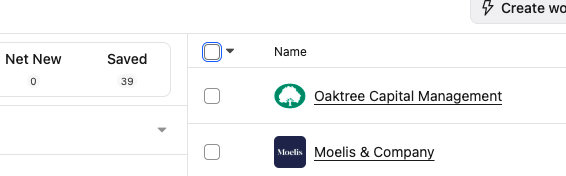
Click Select all, or select each company one by one if some of them aren’t the companies you were looking for.
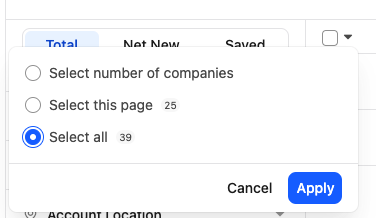
Now click find people
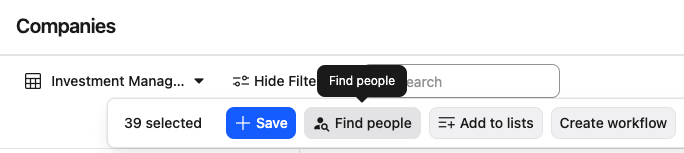
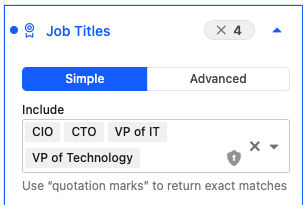
Select the job titles you wish to search for.
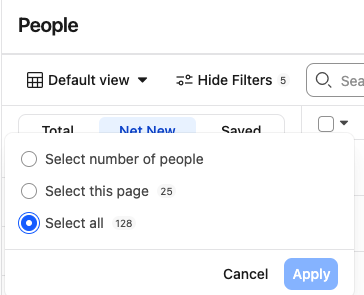
Click Select all > Apply
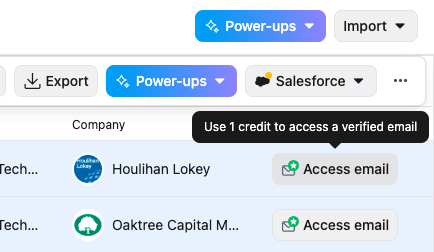
To access someone’s email, you need to click the button. Note that it will deduct one credit per email. Apollo prices their service based on the number of emails.
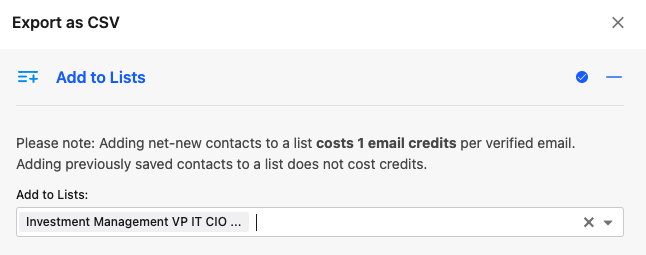
Click Export as CSV, and name your new people search list.
Go to the next page and repeat the process.

Go to your downloads folder to retrieve the contact .csv
