I was recently given an exercise to pull patent holder information for email and LinkedIn outreach by a patent attorney, and wanted to share the step-by-step, starting with biopharma patent holders.
InfiniteKB has a list of Southern California companies by industry, including Biotech / Pharmaceutical, and medical device manufacturers.
Go to https://infinitekb.com/industries/ and click on the industry you’re interested in.
To obtain contact information for biopharma patent holders using Google BigQuery with the Google Patents Public Datasets, you’ll follow these general steps:
Access Google Patents Public Datasets on BigQuery
Google provides a public dataset for patents, which you can query through BigQuery. Go to https://cloud.google.com/bigquery and it’s free to set up an account.
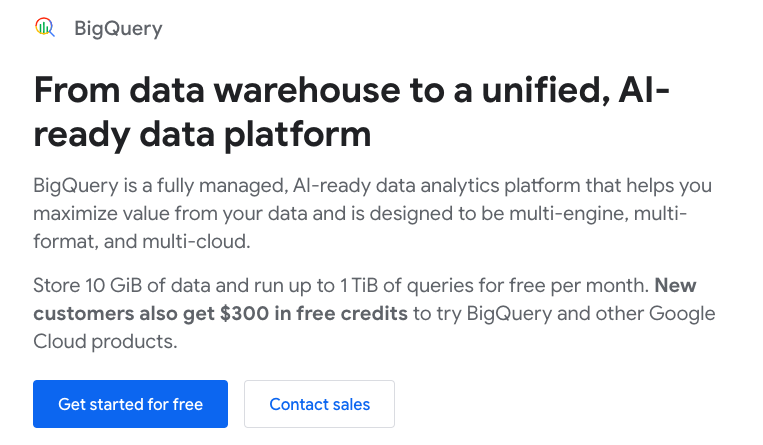
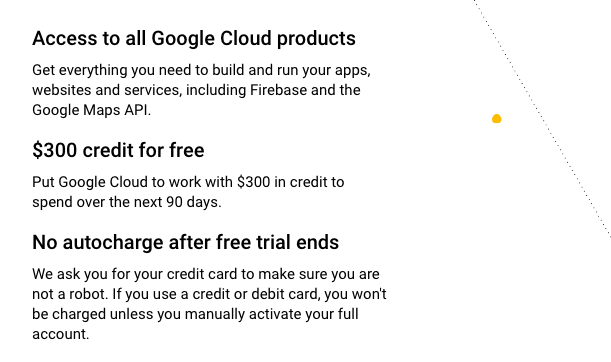
Note that Google will not charge your credit card on file if you exceed the $300 allotted in credits over the first 90 days.
Resource Hierarchy
Depending on your organizations needs and specifically chargeback needs, read the documentation for Google Cloud Resource Hierarchy.
https://cloud.google.com/resource-manager/docs/cloud-platform-resource-hierarchy
Now go to the setup checklist
https://cloud.google.com/docs/enterprise/setup-checklist
The patent public dataset includes patent information such as titles, abstracts, applicants, and inventors, but it may not contain direct contact details like email addresses. Well use other tools for that piece of this exercise. You can start by querying this dataset to extract relevant patent information such as:
- Patent title
- Patent application number
- Applicant or assignee (company or individual)
- Inventor names
Write a BigQuery Query
You can start by querying for biopharma-related patents, looking for specific keywords in the patent title or abstract, or filtering based on IPC codes (International Patent Classification) relevant to biopharma.
Example SQL query:
sqlCopy codeSELECT
publication_number,
application_number,
title_localized.text AS title,
abstract_localized.text AS abstract,
applicants.applicant_name AS applicant,
inventors.inventor_name AS inventor
FROM
`patents-public-data.patents.publications`,
UNNEST(inventor_harmonized) AS inventors,
UNNEST(applicant_harmonized) AS applicants
WHERE
REGEXP_CONTAINS(LOWER(abstract_localized.text), r’biopharma|biotechnology|pharmaceutical’)
OR REGEXP_CONTAINS(LOWER(title_localized.text), r’biopharma|biotechnology|pharmaceutical’)
LIMIT 100;
This query filters patents related to biopharma based on keywords in the title and abstract. You can adjust the query as needed just add a pipe |
After biopharma | biotechnology | pharmaceutical we’ll try additional queries for
medtech | diagnostics | genomics | bionformatics | nutraceutical | agricultural biotech | biosimilars | gene therapy | cell therapy | biopharma | biotechnology | pharmaceutical
Let’s go to ChatGPT for a sec and ask for the IPC codes to add to our BigQuery SQL query.
Use this prompt: “Please give me the IPC codes for the following, along with any other categories you might suggest in line with these categories: medtech | diagnostics | genomics | bionformatics | nutraceutical | agricultural biotech | biosimilars | gene therapy | cell therapy | biopharma | biotechnology | pharmaceutical”
ChatGPT gives us the following:
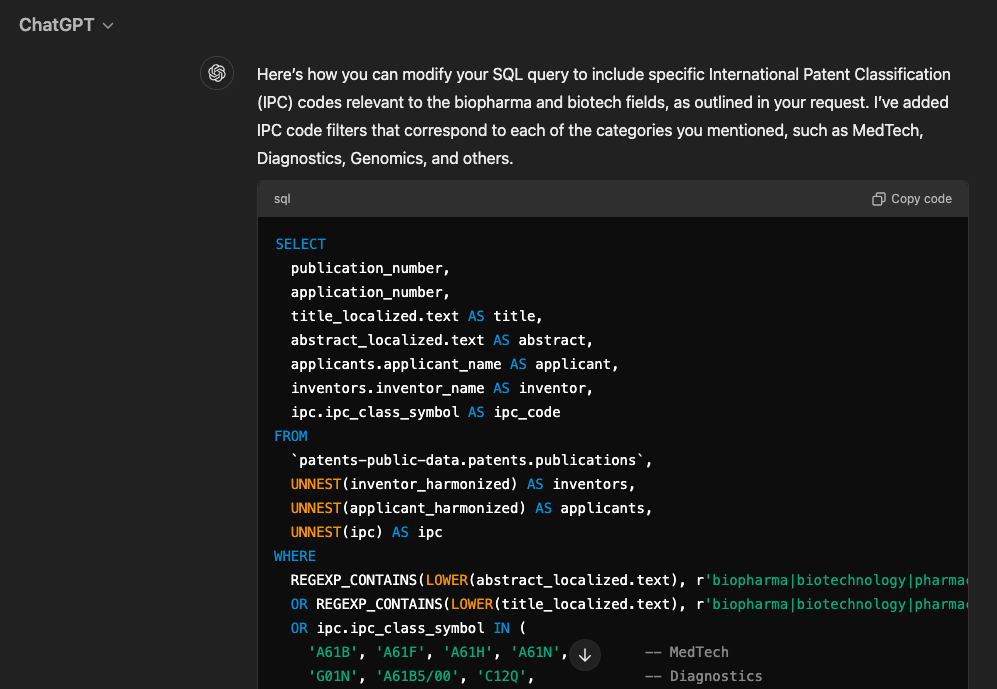
Here’s the full query:
SELECT
publication_number,
application_number,
title.text AS title,
ipc.code AS ipc_code
FROM
`patents-public-data.patents.publications`,
UNNEST(inventor_harmonized) AS inventors,
UNNEST(assignee_harmonized) AS assignees,
UNNEST(ipc) AS ipc,
UNNEST(title_localized) AS title,
UNNEST(abstract_localized) AS abstract
WHERE
REGEXP_CONTAINS(LOWER(abstract.text), r’biopharma|biotechnology|pharmaceutical’)
OR REGEXP_CONTAINS(LOWER(title.text), r’biopharma|biotechnology|pharmaceutical’)
OR ipc.code IN (
‘A61B’, ‘A61F’, ‘A61H’, ‘A61N’,
‘G01N’, ‘A61B5/00’, ‘C12Q’,
‘C12N15/00’, ‘C12Q1/68’, ‘G06F19/00’,
‘G16B’, ‘G16C’,
‘A23L33/00’, ‘A61K35/00’, ‘A61P’,
‘C12N15/82’, ‘A01H’, ‘C12N5/10’,
‘C07K14/00’, ‘C07K16/00’, ‘C12N15/63’,
‘C12N15/87’, ‘A61K48/00’, ‘C12N5/10’,
‘C12N5/00’, ‘A61K35/12’, ‘A61K35/28’,
‘A61K39/00’, ‘C07K14/00’, ‘C07K16/00’,
‘C12N’, ‘C12P’, ‘C12M’,
‘A61K’, ‘A61P’, ‘C07D’, ‘C07C’,
‘C12N15/113’, ‘C12N9/22’,
‘A61L27/00’, ‘C12N5/077’,
‘G16H50/20’, ‘A61P43/00’,
‘A61K39/00’, ‘C07K16/10’
)
LIMIT 100;
Cut / Paste the SQL Query Into BigQuery
Now let’s go to BigQuery and try the syntax above. Go to https://cloud.google.com/ and click Products, then select BigQuery.
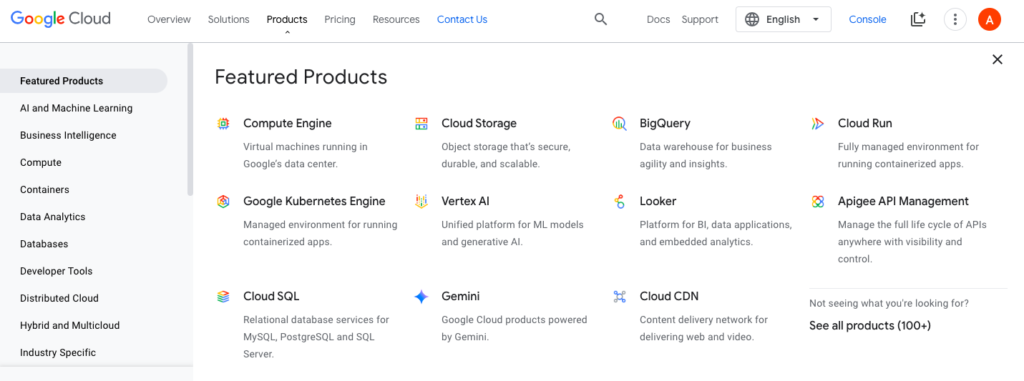
Click Try It in Console.
Click SQL Query

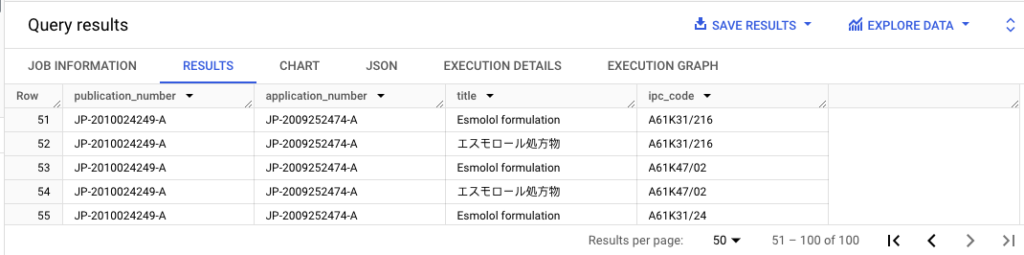
Cut and Paste the SQL code above, and Click Run. You’ll now see your query results:
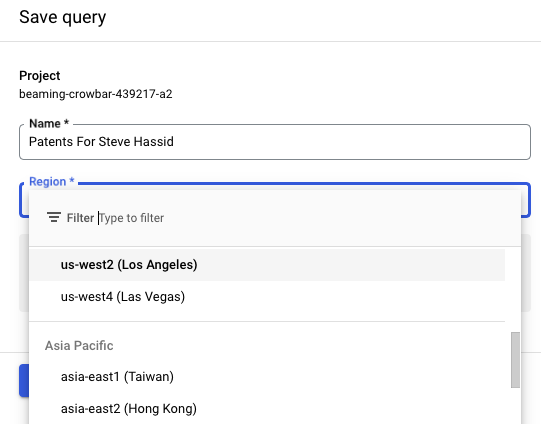
Save your query:
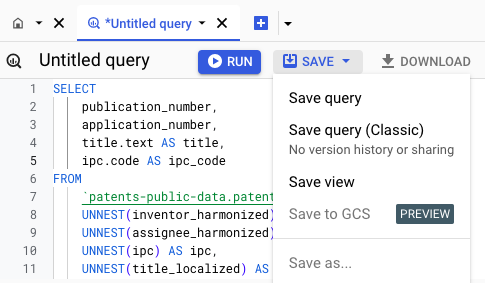
Save your query.
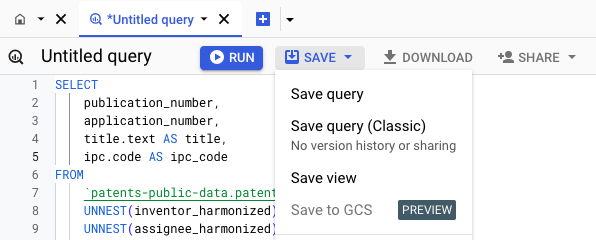
Choose the Google Cloud region to save it to. I’m in Los Angeles, so will save it there.
Post-query Work: Getting the Contact Information
Google Patents data does not provide direct email addresses or contact info. However, once you have the list of applicants or inventors:
- Cross-reference LinkedIn or Company Websites: Once you have the names of applicants or inventors, you can search for them on LinkedIn or the company websites to find contact information.
- Public Databases: For U.S. patents, the USPTO database sometimes lists correspondents or assignees with contact details, and these can be cross-referenced manually.
- Third-party tools: You can use tools like Hunter.io, Apollo.io, or Clearbit to locate email addresses based on the company or individuals’ names found in your dataset.
Automate Follow-ups with the Data
Once you collect this information, you could integrate automated email outreach through tools like HubSpot, Salesforce, or Apollo.IO to efficiently reach out to potential clients. LinkedIn automation tools like Lemlist, Dripify, and others can be vastly helpful, also.