Grammarly is a powerful writing assistant that helps you improve your writing skills by providing real-time suggestions for spelling, grammar, punctuation, clarity, and style. Whether you’re writing essays, emails, blog posts, or social media updates, Grammarly can enhance your writing quality and speed. Here are some ways to effectively use Grammarly and find best practice guides:
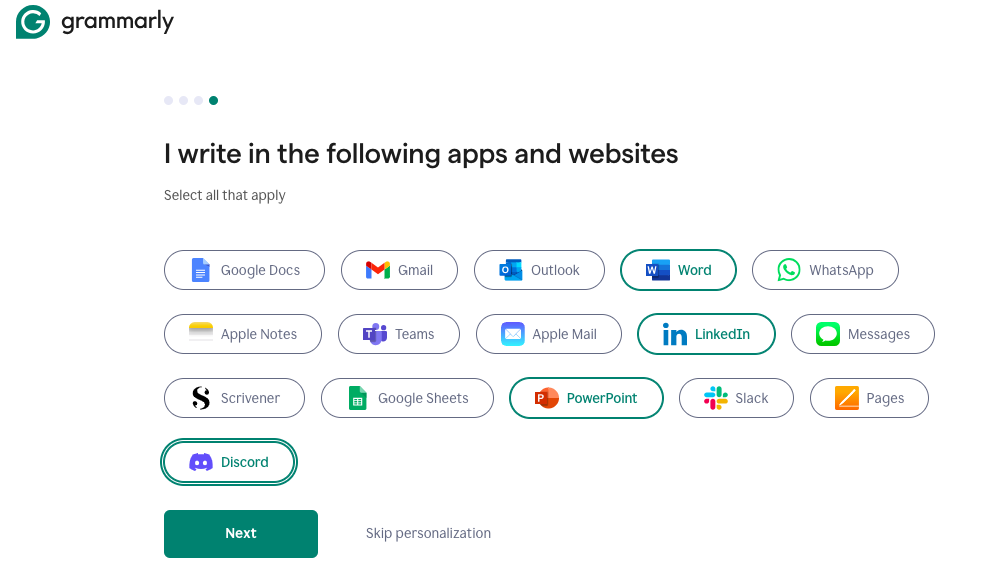
During the sign up process, select the applications you write in frequently.
Click Get Grammarly

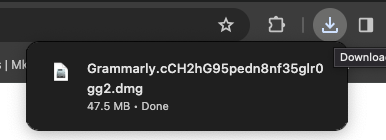
Go to your downloads folder, and click the .dmg file (or .exe if you’re on a PC)
Click Grant Access

Read the welcome letter. Note that in the bottom right is the number four, which represents

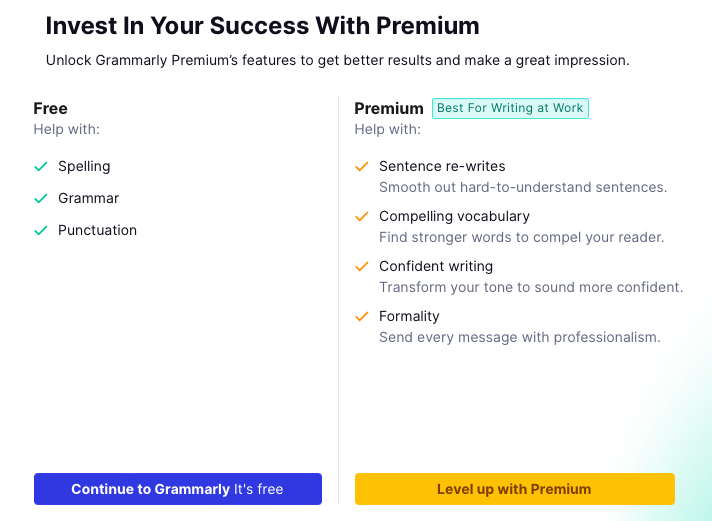
Grammarly highlights the difference between Free and Premium. Click Continue to Grammarly, it’s free.
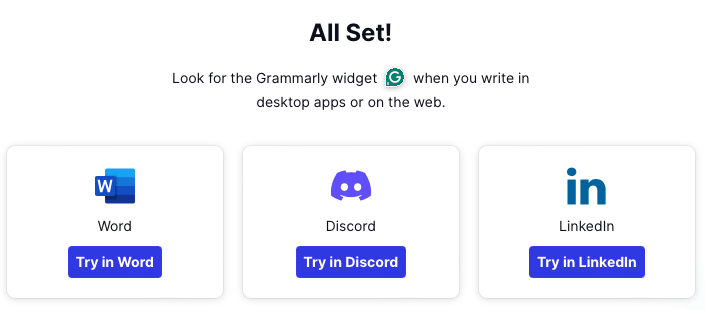
Try it out on one of the applications you selected during the on boarding process. Let’s try it out on LinkedIN first.
Grammarly is innovating rapidly in the field of generative AI. Here’s an example of the integration in Gmail.

Best Practices For Getting Started with Grammarly:
- Sign Up and Choose Your Version:
- Visit the Grammarly website and sign up for an account.
- Choose the right version for your needs: free, premium, or business.
- Install Grammarly:
- Install the Grammarly browser extension to check your writing on various websites and apps.
- Configure the settings and language preferences according to your requirements.
- Use Grammarly Everywhere:
- Grammarly works in various contexts, including Gmail, Google Docs, social media platforms, and more.
- Explore the Grammarly Editor for more advanced features.
Best Practices for Effective Writing with Grammarly:
- Set Writing Goals:
- Define specific goals, such as writing a certain number of words per day or improving your vocabulary.
- Write with confidence using Grammarly’s real-time suggestions.
- Write in the Morning:
- Writing after a good night’s sleep often leads to better results.
- Early birds tend to make fewer writing mistakes.
- Write Daily:
- Practice writing daily, even if it’s just a short sentence or paragraph.
- Get accustomed to the mental and physical act of writing.
- Get Inspired by Research:
- Read up on your subject material before you start writing.
- Take notes and let ideas form as you research.
- Carry a Notebook or Use Notes on Your Phone:
- Inspiration can strike anytime. Write down gripping pitches, poetic sentences, or catchy project names.
- Keep a dedicated notebook or create a note file on your smartphone.
- Experiment with Writing Prompts:
- Use writing prompts to stimulate your imagination and creativity.
- Explore endless prompts online for various genres.
- Outline Your Writing:
- Start with an outline to organize your thoughts and maintain a clear structure.
- Follow a simple, no-fail outlining process.
- Keep Professional Communication Brief:
- Respect colleagues’ time by keeping professional emails concise.
- Use active voice to sound confident and self-assured.
- Context Matters:
- Consider the recipient’s knowledge and frame of reference.
- Adapt your communication accordingly.
- Edit Fresh:
- Let your writing rest for a while before editing.
- Get rid of filler words, clichés, and adverbs.
Remember, Grammarly is your writing companion, helping you communicate effectively and confidently. Explore the Grammarly blog for more writing tips and best practices!
For detailed tutorials, you can watch videos like “Grammarly Tutorial: A Beginner’s Guide” or “How to Use Grammarly – Beginner’s Guide”. Additionally, explore the Grammarly Support Tips & Tutorials section for comprehensive guidance