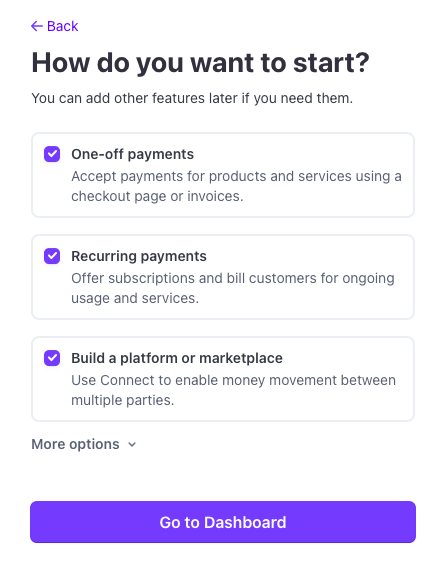
When you first create a login for Stripe, you’ll be asked what you intend to use it for. The primary use cases are:
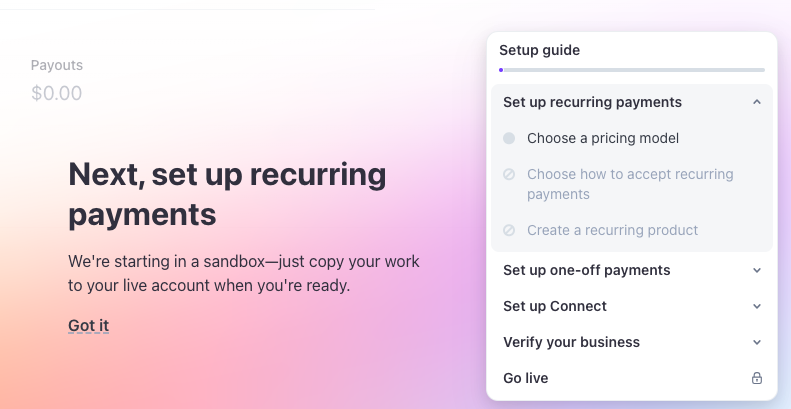
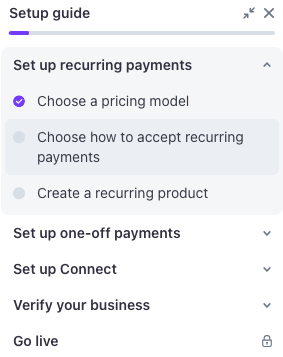
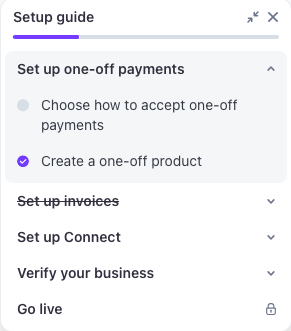
Since we have customers with recurring payments, let’s set that up now
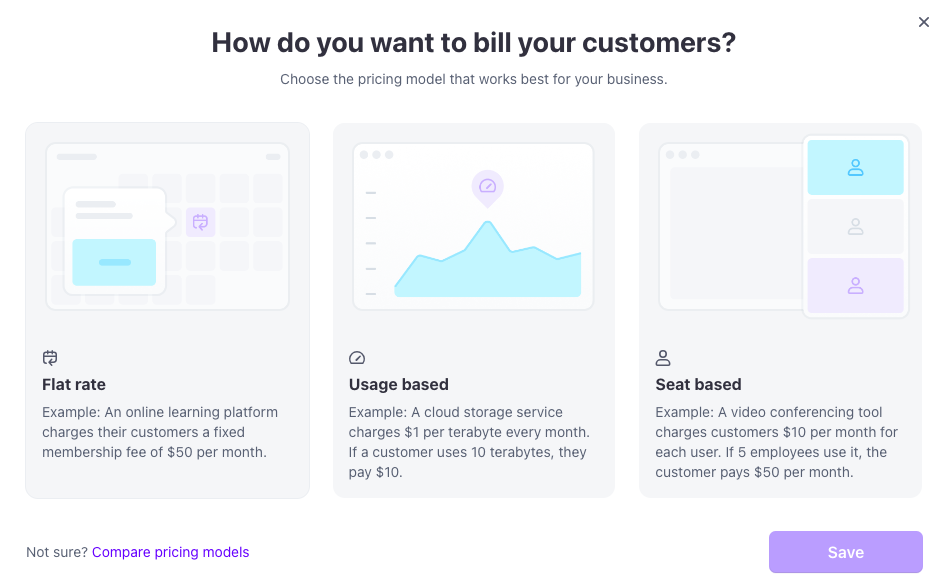
We charge a retainer monthly, so we’ll choose Flat rate.
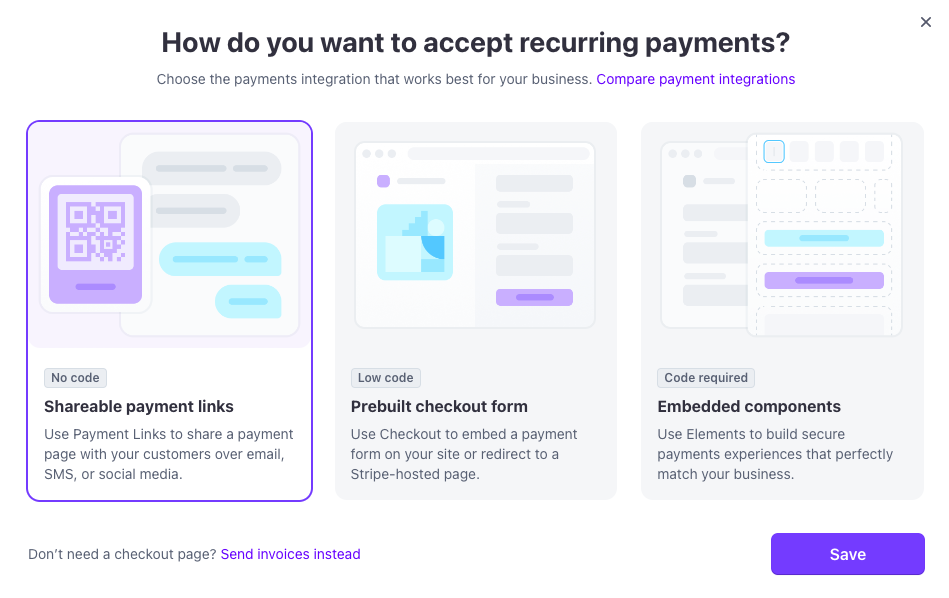
Next choose how to accept recurring payments.
These are the options for payment. We don’t need a checkout page since we’re not an e-commerce company, so we’ll click the link to Send invoices instead.
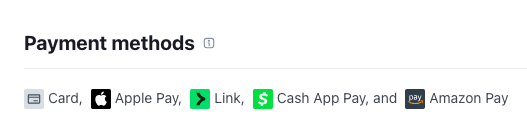
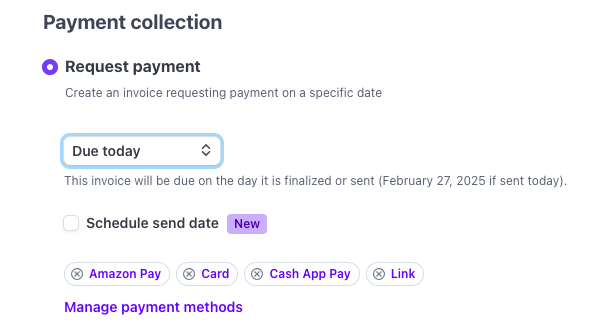
When you set up a new customer, they can select one of the following payment options:
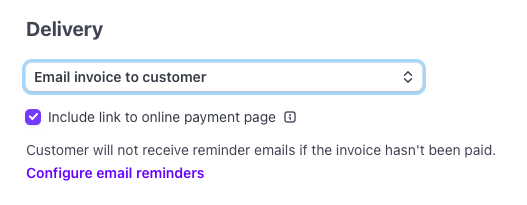
Optionally, you can send reminders to pay the invoice.
You can also configure the branding.
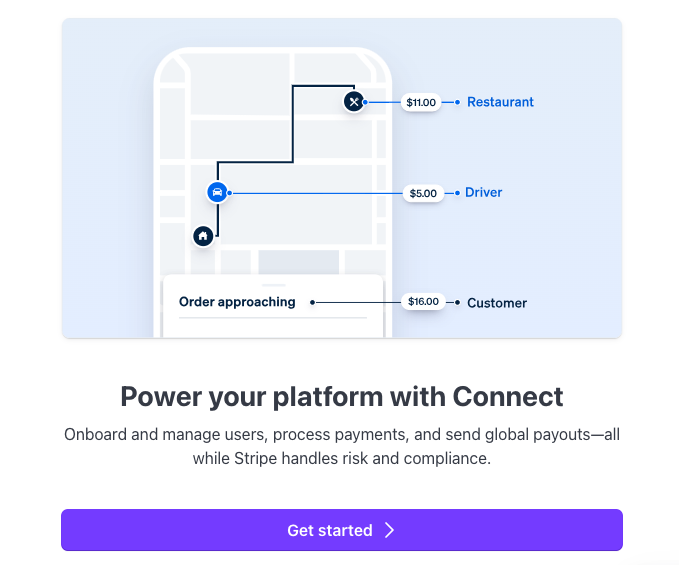
Now set up Connect
Click Get started
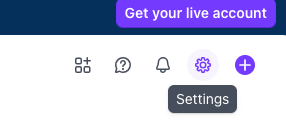
To set up your bank account, click the gear icon in the upper right.
You also have the option to set up a payment link. The payment options are the same