Apollo is an email marketing tool that combines B2B contacts and sequences for Outreach. I’m using it in this use case to reach out to Sales Directors for full-time sales work. Apollo has a 4.8/5.0 on G2.com. If you want to compare versus their competitors, here’s the link: https://www.g2.com/products/apollo-io/competitors/alternatives
Apollo.IO is a powerful sales intelligence and engagement platform trusted by over 500,000 companies and millions of users globally. It helps sales and business development teams find, engage, and close more deals by providing accurate lead data, engagement tools, and actionable insights1.
Here’s how you can get started with Apollo.IO and access best practices for email outreach:
- Getting Started with Apollo.IO:
- Sign Up: Create an account on Apollo.io and configure the basic settings required to use the platform.
- Email Setup: Link your mailbox to Apollo.io and set up your email signature.
- Search & Prospecting: Learn how to search for qualified leads, apply filters, create saved searches, and manage records.
- Engagement Tools: Explore features like sequences, recommendations, and the Apollo Chrome Extension.
- Close Deals: Utilize conversation intelligence, deal intelligence, analytics, and coaching to close deals faster.
- Best Practices for Email Outreach:
- Understand Your Audience: Identify pain points and personalize your emails.
- Create Intrigue: Craft subject lines that pique curiosity.
- Keep It Concise: Simplicity and brevity are key.
- Include a CTA: Add a powerful call-to-action.
- Avoid Spam Filters: Use direct links, avoid all caps, and maintain professionalism.
- Leverage Email Signatures: Showcase credibility.
- A/B Test Messaging Styles: Find what resonates with your audience.
- Learn from Tutorials and Demos:
- Explore step-by-step tutorials and demos available on platforms like Toolify.ai and Apollo’s Knowledge Base.
Apollo.IO empowers your sales efforts by providing accurate data, engagement tools, and actionable insights. Dive in and elevate your outreach strategy.
For more detailed information, you can also visit the Apollo.IO Magazine and explore their resources.
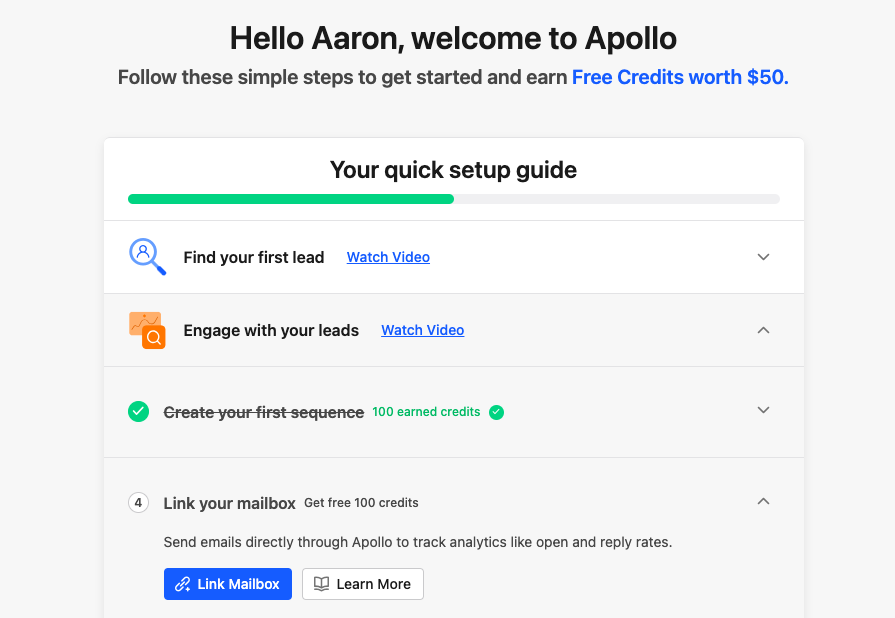
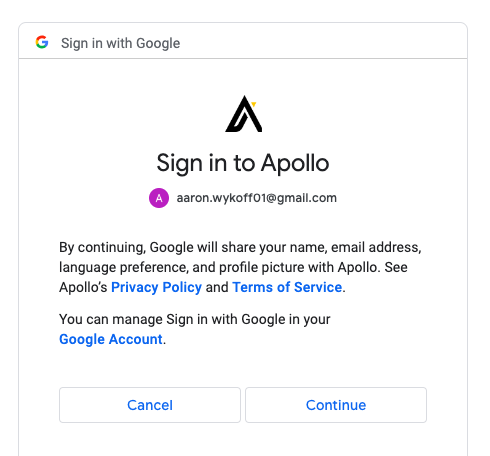
When you first sign up, you’re prompted to watch introductory videos, and then link your email. The best integration is with Gmail, so I’m going to Link my personal Gmail to connect on my job search.
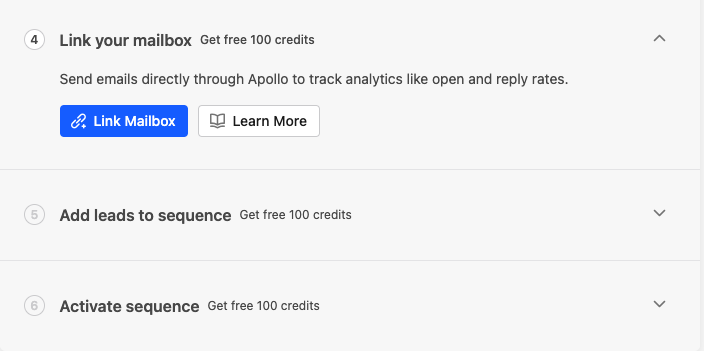
Click continue
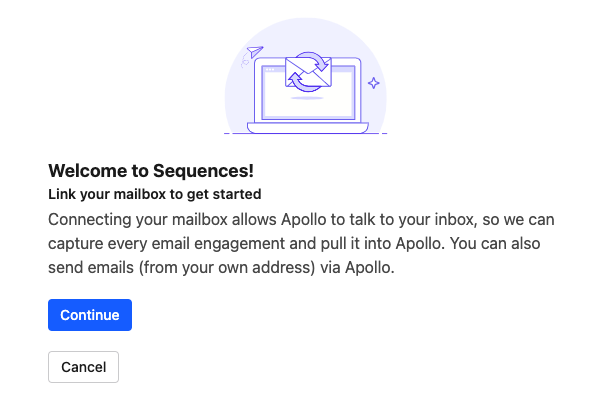
Link your Google Gmail box. Make sure you’re logged into your Gmail account.
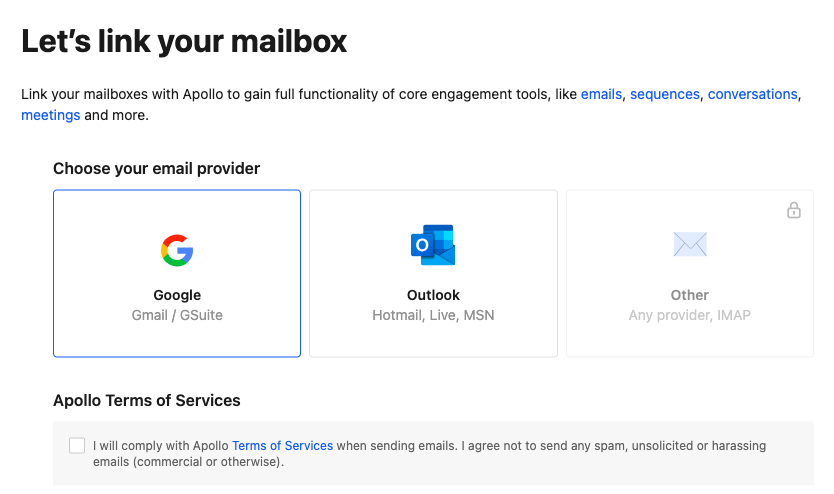
Select your account, and click continue.
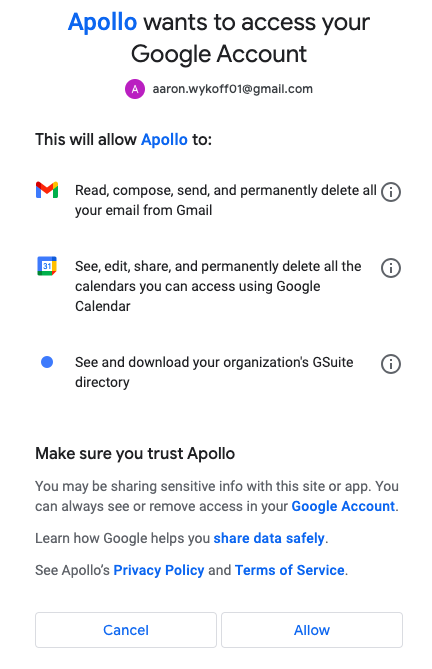
Click allow.
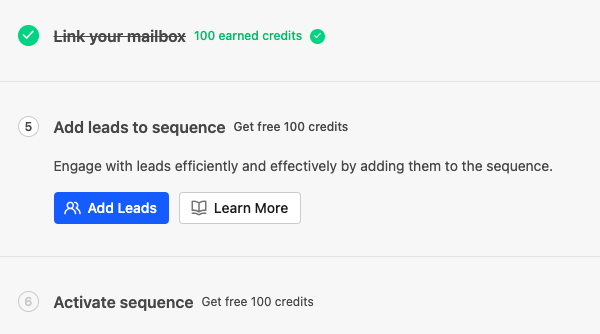
Now that your mailbox is linked, Add leads to your sequence.
Let’s pause here, because it’s a good opportunity to talk about strategy in your job pursuit. For me, I want to work for a fast-growing startup, ideally with restricted stock, and in technology, both of which align with my knowledge and what I like to study. I’m going to start with the Deloitte Fast 500 and scrape it with Browse.AI. You can read an article on how to use the Browse.AI here.
If you want the whole list as a .csv file, just fill out the Contact Us form, and we’ll email it to you.
I’m sorting the list by industry, and then starting with companies in California.
Here’s a few rows as an example of what I’ll import into Apollo.IO
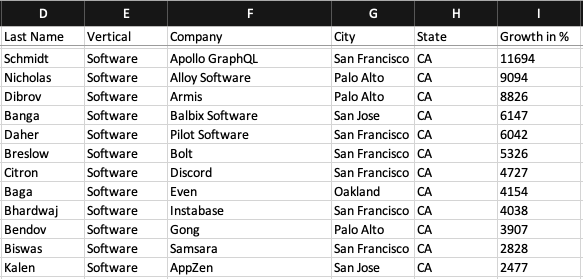
When you click Add Contacts, you have multiple options. Click upload CSV, and we’ll add the company names above.
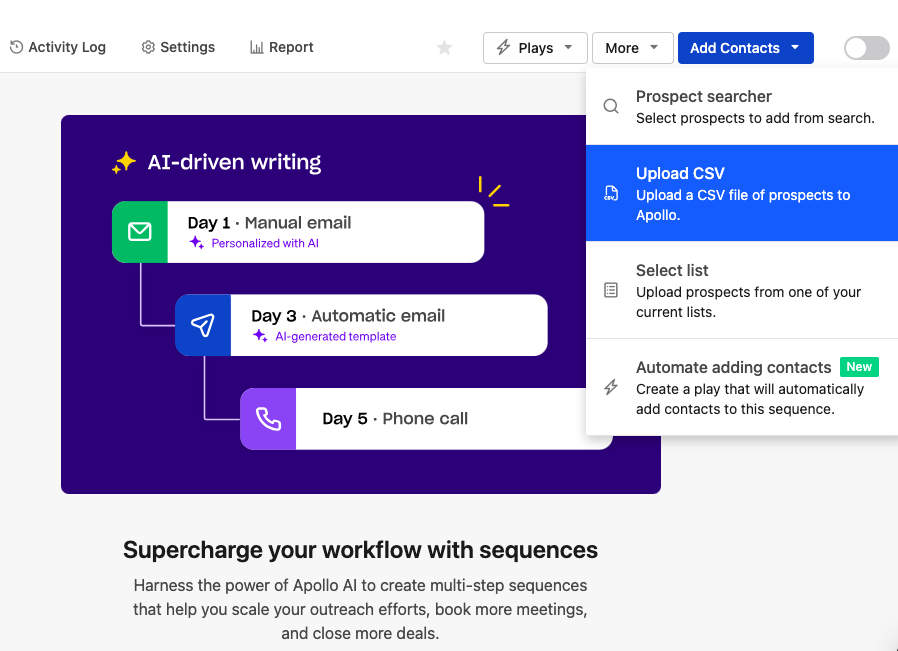
You have two options, select Import Accounts. It helps with field mapping if you download their sample template first, and use that for import. Just cut and paste the rows of data to the template for the web scraping exercise above. If you want to bookmark the link for future downloads, here it is: https://app.apollo.io/csv/sample_csv_accounts.csv
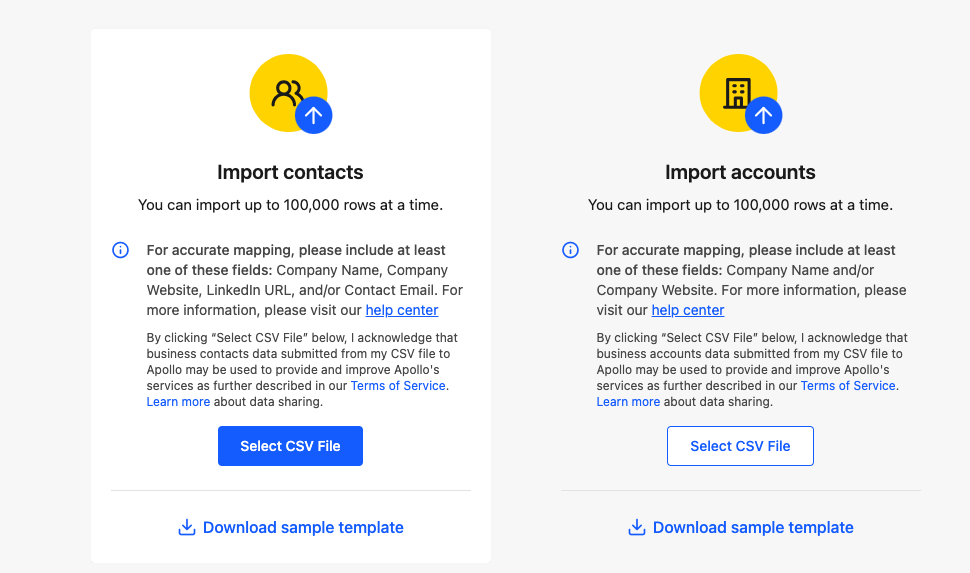
Under learn more, you can learn how to:
Improve your data with data enrichment
Upload a CSV of Contacts to Apollo
Upload a CSV of Accounts to Apollo
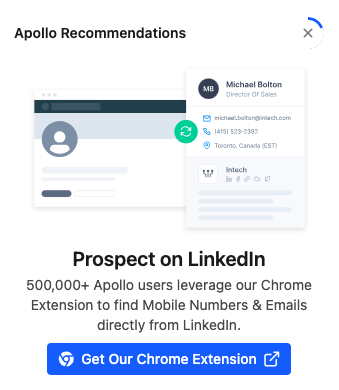
It’s highly recommended that you get the Chrome extension. It’s particularly useful when you’re in LinkedIN looking for people to connect with, and when you open their profile, it may have their contact information already in the database.
The on boarding process will launch automatically when you first sign up. Go through each phase to gain credits. Apollo has 250 million B2B leads in their database across 60 million companies, and keep the data up to date, so you shouldn’t receive a high percentage of email bounce-backs.