Let’s learn React. I highly recommend Eve Porcello’s course on LinkedIn Learning to learn the basics. We’ll follow along with the exercise files for this tutorial.
If you want to learn Github Codespaces, Eve has another course on React here:
https://www.linkedin.com/learning/react-essential-training/what-is-react?resume=false&u=76279468
You can use the Codespaces here:
https://github.com/LinkedInLearning/react-essential-training-5949338/codespaces
Bookmark https://react.dev/ and https://react.dev/learn
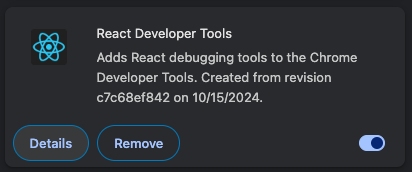
Get the Chrome Developer Tools extension
Cmd + Option + J will then open the Chrome developer console
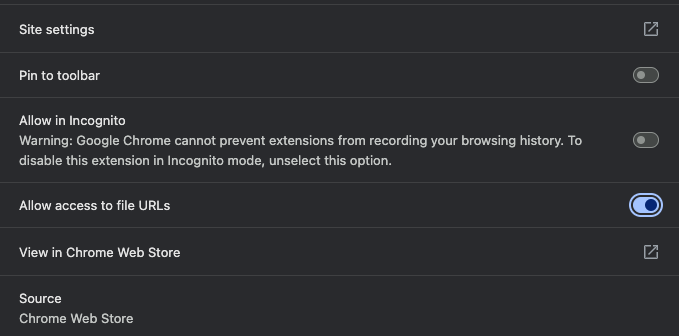
Go to chrome://extensions/ click Details, and allow access to File URLs
Allow access by sliding the slider bar to the right
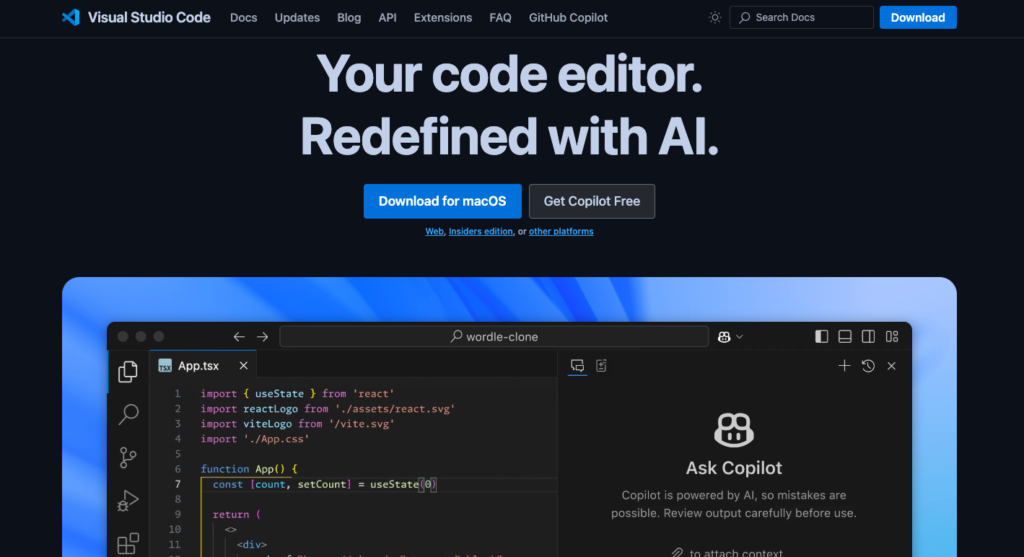
If you don’t already, download Visual Studio Code for free: https://code.visualstudio.com/
Now head over to our page and follow the instructions to install your VS Code extensions for React
https://infinitekb.com/vs-code
Codepen is a good sandbox also for learning React. You can sign up for a free account at https://codepen.io/pen

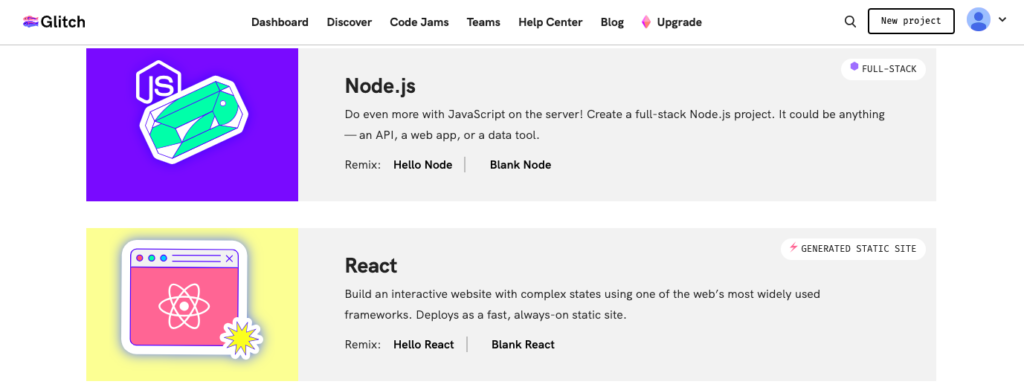
Check out Glitch as well https://glitch.com/ to learn the foundation of React
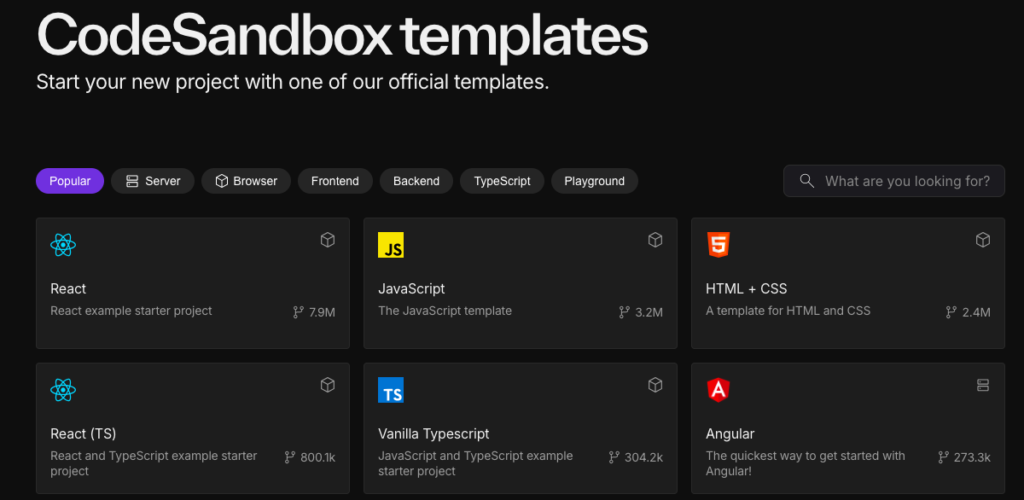
Also bookmark https://codesandbox.io/ for an in browser development environment. Click templates, and select a React sandbox. If you sign in with Google, GitHub, or Apple, it will save your changes.
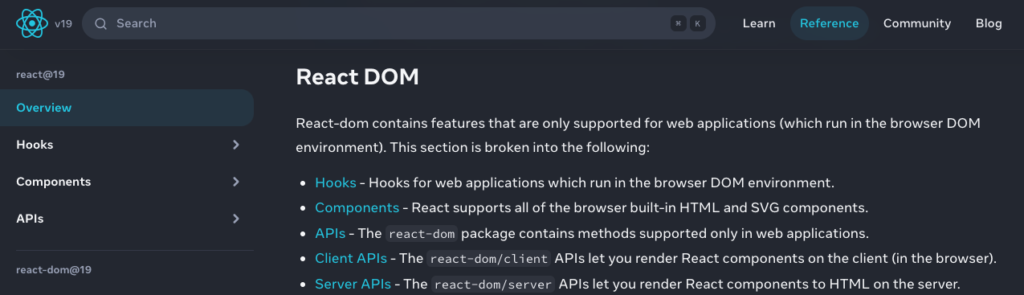
Let’s start with an understanding of the React DOM. Bookmark https://react.dev/
You’ll want to bookmark the Compiler Playground as well. https://playground.react.dev/
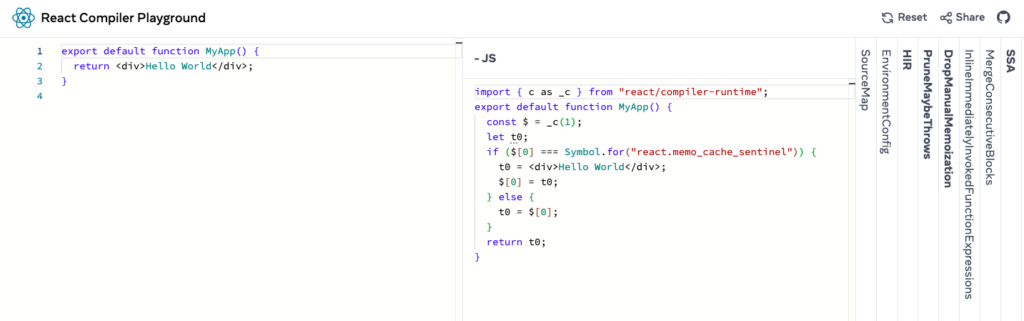
The Compiler
A compiler is a program that translates source code written in one programming language into another language – typically from a higher-level language (like JavaScript) into machine code or an intermediate form. In web development, compilers often transform modern JavaScript features or special syntax (like JSX) into versions that can run in web browsers. You can gain an understanding of JSX and React from this LinkedIn Learning course by Julia Dyck: https://www.linkedin.com/learning/react-with-styled-components/react-with-styled-components?u=76279468
The React Playground (playground.react.dev) is an online development environment that lets you:
- Write and experiment with React code in real-time
- See your results immediately without setting up a local development environment
- Test React components and features
- Share your code examples with others via URL
- Try different React versions
- Practice React development in a safe, sandboxed environment
It compiles your JSX code on-the-fly and shows both the rendered output and any errors or warnings. It’s particularly useful for:
- Learning React
- Testing small code snippets
- Debugging issues
- Creating minimal reproductions of bugs
- Sharing code examples in discussions
You can think of it as a coding playground where you can freely experiment with React without worrying about setup or breaking anything.
React DOM is the library that handles rendering React components into the actual browser DOM (Document Object Model). Think of it as the bridge between React’s virtual DOM and the browser’s real DOM. https://react.dev/reference/react
React maintains a lightweight copy of the DOM called the virtual DOM. When your components’ state or props change, React first updates this virtual DOM, then compares it with the previous version. Only the necessary changes are then applied to the real browser DOM through React DOM, making updates more efficient.
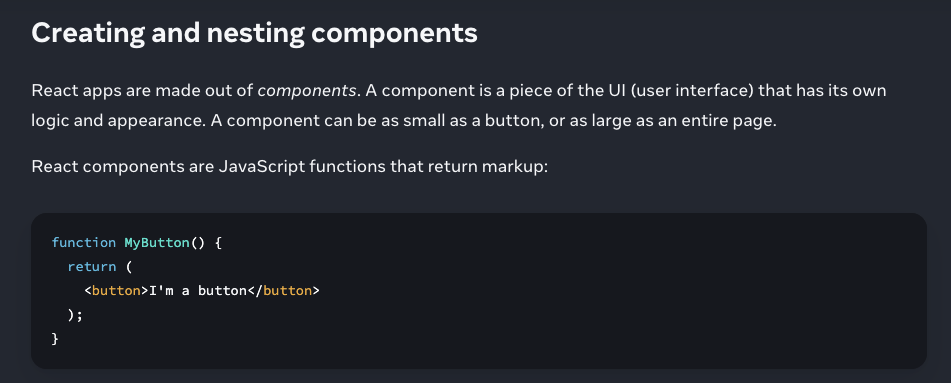
React Components are reusable pieces of UI code that can contain both the visual elements (HTML-like JSX) and the logic that controls them. They come in two main types:
- Function Components (Modern approach)
- Class Components (Legacy approach)
Each component can:
- Accept inputs called props
- Maintain its own internal state (using hooks in function components)
- Return JSX describing what should appear on screen
- Be nested inside other components
Think of components as LEGO blocks – they’re independent, reusable pieces that you can combine to build complex user interfaces. https://react.dev/learn
Props
Props (short for “properties”) are how you pass data from parent components to child components in React. They are read-only and flow in one direction – down the component tree.
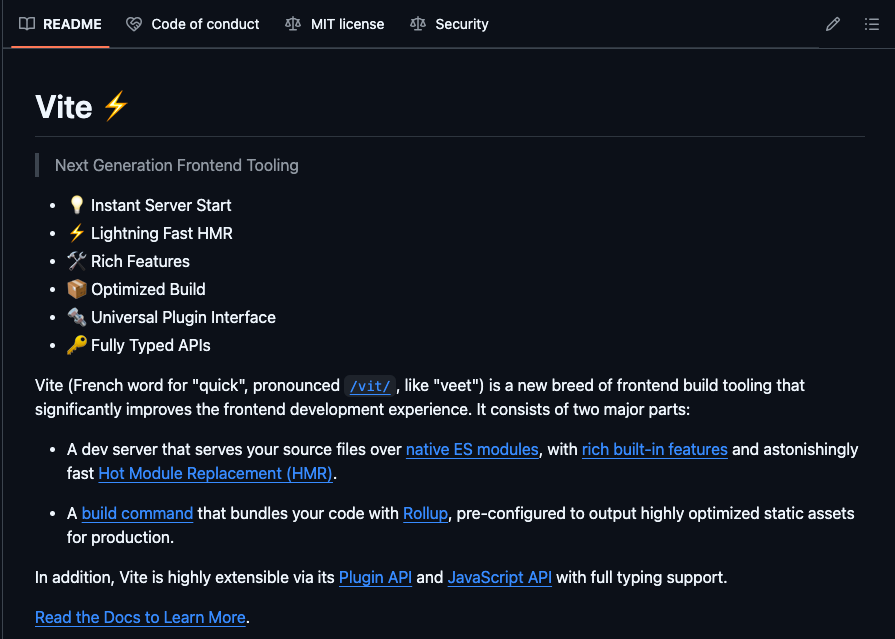
Let’s start our first project with Vite. Go to https://vite.dev/

Vite is…